에어비앤비 호스트 전용
AI가 고르는 숙소
게스트들이 에어비앤비가 아닌 곳에서도 숙소를 찾기 시작했습니다.
여행자가 숙소를 고르는 경로에
지난 2년 사이, 사람이 아닌 새로운 층이 하나 생겼습니다.
무엇이 달라지고 있는지, 왜 지금이 준비하기 좋은 때인지,
그리고 무엇을 어떻게 준비해야 하는지
데이터와 함께 살펴보세요.
미리 말씀드리면, 이 자리는 광고로 살 수 없습니다.
그리고 아직 대부분 비어 있습니다.
AI가 당신의 숙소에 대해 아는 것
- 숙소 이름
- — 없음
- 어떤 동네인지
- — 없음
- 걸어서 갈 만한 곳
- — 없음
- 게스트가 남긴 말
- — 없음
- 한국어 외 언어
- — 없음
숨어서가 아닙니다. AI가 읽어 갈 자료가 아예 없어서입니다.
지금 일어나고 있는 변화
예측이 아닙니다. 이미 벌어진 일입니다.
여행자 둘 중 하나는 숙소를 고를 때 이미 AI에게 먼저 묻습니다. 그 속도는 업계가 10년 넘게 추적한 것 중 가장 빠른 행동 변화로 기록됐습니다. 그리고 저희가 실제로 AI에 물어봤을 때, 이름을 올리고 자기 페이지로 연결된 것은 대부분 호텔 체인이었습니다.
여행 계획·예약에 AI를 써 본 미국 여행자
예약을 가장 많이 넣는 두 세대(밀레니얼·Z)는 이미 10명 중 7명 이상입니다. “아직 이르다”고 말할 수 있는 연령대가 남아 있지 않습니다.
세대별 수치와 다른 조사들접기
| 세대 | 이용률 | 특징 |
|---|---|---|
| 밀레니얼 | 74% | 가장 높은 채택률. 현재 숙박 예약의 주력 연령대 |
| Z세대 | 72% | 첫 여행 세대부터 AI가 기본 도구 |
| X세대 | 50% | 절반이 이미 사용 |
| 베이비부머 | 27% | 6개월 만에 13% → 27%로 두 배 이상 |
도구 자체가 일상이 되었습니다. ChatGPT 주간 이용자는 2025년 4억 명 → 2026년 2월 9억 명 → 2026년 8월 10억 명이 되었습니다. 여행 리서치에 생성형 AI를 쓰는 비율은 33%로 2024년 대비 다섯 배입니다.
신뢰도 면에서도 자리를 잡았습니다. Booking.com이 33개 시장 3만 7천 명을 조사한 결과 89%가 앞으로 여행 계획에 AI를 쓰고 싶다고 답했고, 여행 정보 출처 신뢰도에서 AI 어시스턴트(24%)가 여행 블로거(19%)와 인플루언서(14%)를 앞섰습니다.
그리고 에어비앤비 자신이 이미 이 방향으로 가고 있습니다. 2026년 에어비앤비는 문장으로 묻는 자연어 검색을 도입 중이고, 10억 개 이상의 리뷰를 AI가 요약하는 AI 리뷰 하이라이트를 열었습니다. 플랫폼이 먼저 움직였다는 뜻입니다.
한국 시장의 타이밍. 2026년 상반기 방한 외국인은 1,071만 명으로 전년 동기 대비 21% 늘었습니다. 새로 오는 게스트일수록 동네에 대해 아는 것이 없고, 그만큼 물어볼 것이 많습니다.
출처 · Phocuswright 「The AI Surge」 · OpenAI 발표(2026) · Booking.com 「Global AI Sentiment Report」 · Airbnb 2026 Summer Release · 한국관광공사 통계
그리고 이 변화는 작은 숙소에 유리합니다.
조건 필터는 큰 숙소일수록 유리했습니다. 항목이 많을수록 체크박스에 걸릴 확률이 높으니까요. 반면 문장으로 묻는 검색에서는 “어떤 곳인가”가 답의 근거가 됩니다. 작은 숙소의 개성과 동네가, 처음으로 검색의 언어와 같은 층에 놓입니다.
그래서 질문이 이런 모양으로 들어옵니다.
여기가 독립 숙소의 자리입니다. 답에 필요한 것은 객실 등급이 아니라, 이 집에 묵으면 어떤 동네에서 어떻게 지내게 되는가입니다. 호스트가 이미 가장 잘 알고, 지금까지 메시지로 알려 주던 것입니다.
여행자가 ‘동네’를 원한다는 근거접기
| 77% | 현지 문화를 대표하는 진짜 경험을 찾는 여행자 |
| 83% | 유명 관광지보다 고유한 경험을 우선하는 밀레니얼·Z세대 |
| 87% | 예상 못 한 현지 발견을 위해 일정에 여유를 남기는 여행자 |
| 76% | 여행 중 현지인·현지 커뮤니티 조언을 실제로 따라 본 비율 |
동네 중심 투어는 가장 빠르게 성장하는 카테고리 중 하나가 되었습니다.
출처 · Booking.com 2025 여행자 조사 · Expedia 「Unpack ’25」 · American Express Travel 「2026 Global Travel Trends Report」
1장 요약 — 변화는 이미 측정되고 있고, 이번엔 작은 숙소 쪽이 유리합니다. 그럼 호스트는 무엇을 준비해야 할까요.
무엇을 준비할 것인가 — 게스트를 위한 살아있는 홈페이지
에어비앤비 하우스에 홈페이지는 필요 없었습니다.
지난 10년 동안 그 판단은 정확했습니다.
읽을 사람이 없었으니까요. 그런데 그 계산에는 전제가 하나 있었습니다 — “홈페이지는 사람이 읽는 것이다.”
그동안의 계산이 왜 맞았는지접기
| 방문자 | 거의 없음. 게스트는 에어비앤비 앱 안에서 찾고, 비교하고, 예약합니다 |
| 콘텐츠 | 사진·설명·후기·가격·예약 가능일이 이미 에어비앤비의 리스팅에 전부 있습니다 |
| 예약 기능 | 플랫폼이 훨씬 편하고, 결제와 보증까지 붙어 있습니다 |
| 비용 | 제작비는 한 번이지만 유지비와 갱신 노동은 계속 듭니다 |
그래서 결론은 분명했습니다. 만들 이유가 없다. 합리적인 선택이었습니다.
그런데 지금, AI가 당신의 숙소에 대해 읽을 수 있는 것은 사실상 없습니다.
AI는 어딘가에 적혀 있는 것을 읽어서 답을 만듭니다. 적혀 있지 않은 것은 답에 들어갈 수 없습니다. “에어비앤비에 이미 다 적어 뒀는데요?” — 맞습니다. 다만 그 정보가 놓인 위치가 문제입니다.
에어비앤비 robots.txt 확인하기접기
모든 웹사이트에는 robots.txt가 있습니다. 어떤 로봇이 어느 페이지를 읽어도
되는지 적어 두는 웹의 표준 규약입니다. 2026년 9월 21일 기준 에어비앤비의
파일에는 다음 항목들이 있습니다.
| 읽을 수 없게 설정된 페이지 | 거기에 담긴 내용 |
|---|---|
| /rooms/*/description | 숙소 소개 글 |
| /rooms/*/location | 위치와 주변 안내 |
| /rooms/*/reviews | 게스트 리뷰 전체 |
| /rooms/*/amenities | 편의시설 상세 |
| /s/guidebooks | 호스트가 만든 가이드북 |
| /rooms/ (AI 크롤러) | 숙소 페이지 전체 — GPTBot·ChatGPT·Claude·Perplexity 에는 통째로 |
- 당신이 몇 번을 고쳐 쓴 숙소 소개 글 → AI는 읽을 수 없습니다
- 직접 정리한 위치와 주변 안내 → AI는 읽을 수 없습니다
- 지금까지 받은 게스트 리뷰 전체 → AI는 읽을 수 없습니다
- 시간 들여 만든 호스트 가이드북 → AI는 읽을 수 없습니다
GPTBot · ChatGPT-User · OAI-SearchBot · ClaudeBot · PerplexityBot 등 주요 AI 크롤러에는
/rooms/ 전체가 막혀 있고, Googlebot에도 위 세부 경로가 그대로 적용됩니다. 특정 AI를 막는 것이 아니라 플랫폼의 일관된 크롤 정책입니다.
당연한 일이기도 합니다 — 리뷰와 상세 정보는 에어비앤비의 핵심 자산입니다.
출처 · airbnb.com/robots.txt 원문 직접 확인(2026년 9월 21일 기준, 수시 변경 가능)
게다가 이 자리는, 광고로 살 수 없습니다.
검색 광고는 입찰가로 자리를 샀고 OTA는 수수료율로 순위가 움직였습니다. 그런데 문장으로 묻는 검색에서는 적혀 있는 설명과 실제 경험의 기록이 답의 근거가 됩니다. 돈을 더 써서 자리를 사는 게 아니라, 게스트가 좋은 경험을 하도록 돕는 일이 그대로 노출의 근거가 됩니다.
무엇이 자리를 결정하는지 비교접기
| 기존 검색 · OTA | 문장으로 묻는 검색 | |
|---|---|---|
| 노출 자리 구매 | 입찰가 · 광고 예산 | 아직 그런 상품이 없음 |
| 순위 부스트 | 수수료율 · 프로모션 | 해당 없음 |
| 답의 근거 | 키워드 일치 · 클릭 이력 | 적혀 있는 설명 · 경험의 기록 |
| 유리한 쪽 | 예산과 규모가 큰 곳 | 구체적으로 설명된 곳 |
그리고 지금, 그 자리는 거의 비어 있습니다.
마포구의 에어비앤비 숙소 100곳을 전수조사했습니다.
마포구 · 전수
가진 곳
구조화된 곳
즉 이 동네에서 이 자리는, 아직 아무도 가져가지 않았습니다.
이게 왜 좋은 소식인지접기
검색 광고였다면 이 자리는 벌써 예산 큰 곳이 사 갔을 겁니다. 그런데 이 자리는 살 수가 없습니다. 먼저 준비한 쪽이 그냥 가져갑니다. 오늘 시작하면 당신이 이 동네에서 첫 번째입니다.
게다가 한 번 채워지면 잘 비지 않습니다. 읽을 자료가 쌓일수록 AI가 인용할 근거가 늘고, 인용될수록 게스트가 오고, 게스트가 오면 기록이 다시 쌓입니다. 먼저 시작한 쪽이 시간이 갈수록 유리해지는 구조입니다.
그런데 아무 홈페이지나 만들면 소용이 없습니다.
소개 · 객실 · 오시는 길 · 연락처. 이건 어느 숙소 홈페이지에나 있습니다. 그리고 바로 그게 문제입니다. 게스트에게는 이미 리스팅에서 다 본 내용이고, AI에게는 다른 수천 개 페이지와 구별되지 않아 인용할 이유가 없습니다.
살아있는 홈페이지란
정보가 아니라,
게스트가 필요로 하는 콘텐츠로 채운 홈페이지입니다.
죽어 있는 페이지 / 살아있는 페이지접기
| 죽어 있는 홈페이지 | 살아있는 홈페이지 |
|---|---|
| 소개 · 객실 · 오시는 길 · 연락처 | 체크인부터 체크아웃까지 계속 열어보는 동네 안내 |
| 어느 숙소 페이지에나 있는 내용 | 이 숙소에만 있는 사실 — 여기서 걸어서 4분 |
| 예약 전에만 잠깐 열림 | 여행 내내 열림 |
| 쌓이는 것이 없음 | 게스트가 직접 남긴 기록이 쌓임 |
사람이 안 보는 페이지는 갱신되지 않고, 갱신되지 않는 페이지는 AI에게도 낡은 정보입니다.
에어비앤비 게스트는
방이 아니라 동네를 경험하러 옵니다.
호텔 게스트는 호텔 안을 삽니다.
조식, 라운지, 수영장. 좋은 호텔일수록 밖으로 나갈 이유가 줄어듭니다.에어비앤비 게스트는 반대입니다.
집을 빌리는 이유가 그 동네에서 살아 보기 위해서입니다.그래서 소개해야 할 곳은 우리 동네입니다.
광장시장, 성수동 카페, 이태원 맛집 — 검색하면 이미 수천 곳에 적혀 있고, 그 경험은 이 집과 묶이지 않습니다. 기억에 남는 것은 “서울 여행 잘했다”이지 “그 집이 좋았다”가 아닙니다.
반면 이 집에서 걸어서 4분 거리의 시장, 아침 일곱 시에만 문을 여는 골목 빵집, 저녁에 사람 없는 한강 산책로 — 검색으로는 나오지 않습니다. 호스트만 알고, 이 집에 묵어야만 쓸 수 있는 정보입니다.
게스트가 “여기 진짜 좋았어요”라고 말할 때,
그 ‘여기’가 서울이 아니라 이 동네이고
그 동네를 열어 준 것이 이 집일 때,
그때부터 숙소는 방을 파는 곳이 아니라 그 동네를 여는 열쇠가 됩니다.
그런데 게스트는 그 동네에 스스로 닿지 못합니다.
미국 여행자는 예약 전 45일 동안 평균 277페이지의 콘텐츠를 접합니다. 그리고 그 소비는 이미 영상으로 옮겨갔습니다.
게스트는 이미 영상으로 여행을 준비합니다.
문제는, 유튜브에서 여행지의 로컬 영상을 제대로 찾아 보기가 생각보다 어렵다는 것입니다. 게스트가 게을러서가 아닙니다. 유튜브라는 도구가 원래 그런 용도로 만들어지지 않았기 때문입니다.
유튜브에서는 왜 찾기 어려운지접기
| 01 | 알고리즘 — 추천은 보는 사람의 언어와 시청 이력을 따릅니다. 도쿄에서 서울을 검색하는 게스트에게는 일본인 유튜버가 나옵니다 |
| 02 | 품질 — 조회수를 위해 만든 영상이 진짜와 나란히 놓이고, 처음 오는 게스트는 구분하지 못합니다 |
| 03 | 반경 — 유튜브에는 “우리 숙소에서 10분” 필터가 없습니다. 필요한 건 도시가 아니라 당신의 몇 블록입니다 |
| 04 | 파편화 — 영상을 봐도 그곳이 어디인지, 어떻게 가는지는 따로 찾아야 합니다 |
| 05 | 언어 — 진짜 로컬한 영상일수록 현지어일 확률이 높습니다. 찾았지만 쓸 수 없습니다 |
그래서 필요한 것은 ‘살아있는 홈페이지’입니다.
게스트가 여행 중에 실제로 여는 동네 안내이면서, 동시에 AI가 이 숙소를 설명할 때 읽는 자료가 되는 페이지. 이 둘은 별개의 물건이 아니라 한 페이지의 두 얼굴입니다.
그런 페이지가 갖춰야 할 다섯 가지접기
| 사람이 열고 싶어야 합니다 | 예약 전에 한 번이 아니라, 여행 중에 반복해서 |
| 방이 아니라 동네를 담아야 합니다 | 리스팅이 담지 못하는 것은 바로 우리 동네입니다 |
| 게스트의 언어로 열려야 합니다 | 읽지 못하는 페이지는 쓸 수 없습니다 |
| 데이터로도 읽혀야 합니다 | 게스트가 읽는 그 문장이, AI가 인용할 수 있는 형태로도 |
| 호스트 없이도 최신이어야 합니다 | 가게는 닫고, 영상은 내려갑니다 |
2장 요약 — 필요한 것은 홈페이지가 아니라, 게스트가 실제로 쓰는 동네 안내입니다. 그게 곧 AI가 읽을 자료가 됩니다.
스테이픽은 당신의 게스트를 당신의 동네와 사랑에 빠지게 만들고,
AI가 그 사랑을 알 수 있게 도와 드립니다.
StayPeek은 ① 게스트가 여행 중에 여는 로컬 가이드 + ② AI와 검색엔진이 읽는 숙소 홈페이지 + ③ 그 위에 쌓이는 게스트의 여행 기록입니다. 따로 사면 세 가지이고 세 번 관리해야 하지만, StayPeek에서는 한 페이지의 세 얼굴입니다.
이 목적만을 위해 만들어진, 에어비앤비 호스트 전용 웹서비스입니다. 범용 홈페이지 빌더가 아니고, 호텔용 솔루션의 축소판도 아닙니다. 1~5실 규모의 에어비앤비 하우스 한 채가 기준입니다.
이 페이지가 하는 일은 하나입니다.
들어온 사람이
예약하고 싶어지게 만드는 것.
링크를 누른 게스트가 보는 것은 방 사진과 시설 목록이 아닙니다. 이 집에 묵으면 어떤 동네에서 어떻게 지내게 되는지가 펼쳐집니다. 걸어서 4분 거리의 시장, 아침 일곱 시에만 문을 여는 골목 빵집, 그 앞에서 찍힌 30초짜리 영상. 다 보고 나면 남는 생각은 “방이 괜찮네”가 아니라 “여기서 지내 보고 싶다”입니다. 예약 버튼은 그다음에 눌립니다.
그리고 ‘전용’은 말이 아니라 구조입니다.
숙소 홈페이지의 예약 버튼이 향하는 곳은 당신의 에어비앤비 리스팅 하나뿐입니다. 다른 OTA나 직접 예약 페이지를 연결하는 기능은 아예 만들어 두지 않았습니다. 그래서 StayPeek이 만드는 트래픽은 전부 에어비앤비로 들어갑니다.
이미 함께하고 있는 숙소들이 있습니다 — 눌러 보면 그 집 게스트가 보는 화면이 그대로 열립니다.
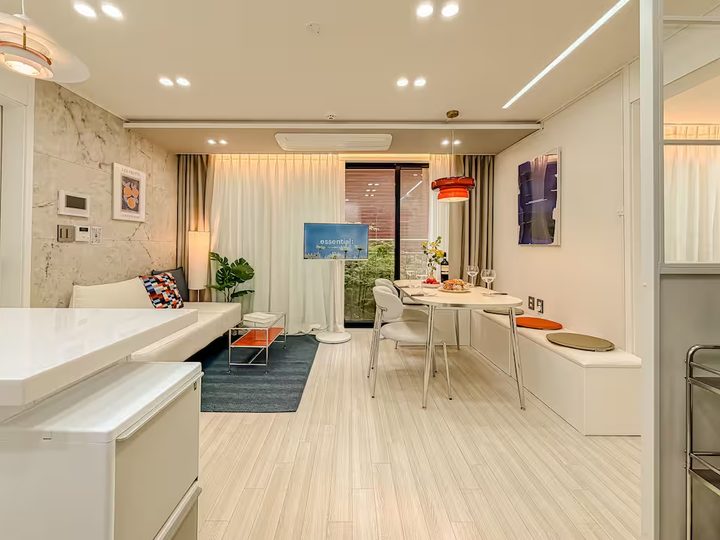 Hongdae Mangwon Stay
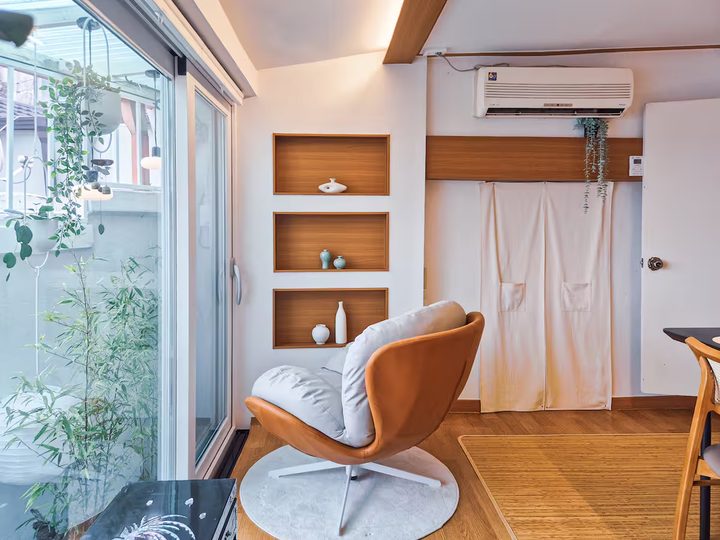 Stay DAM
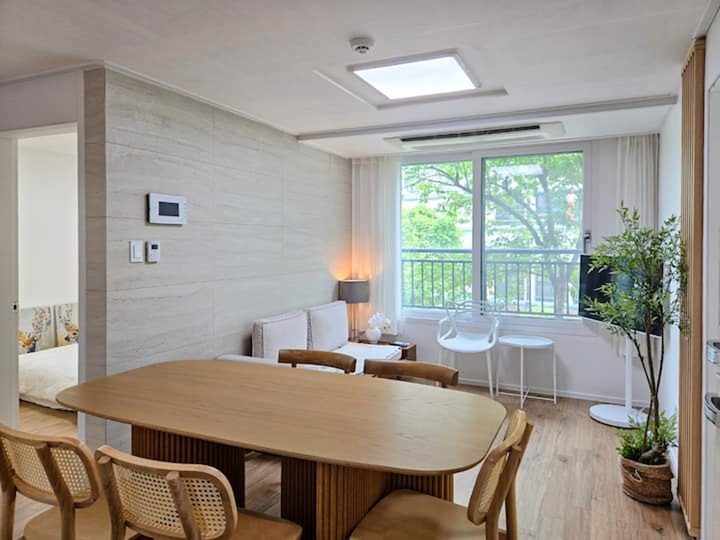 Stay Gam
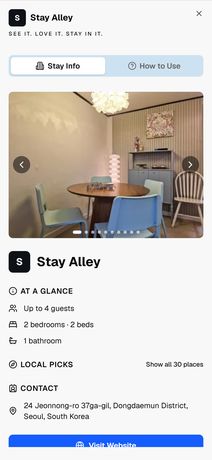
 Stay Alley
누가 고르나
위 네 곳에 담긴 가게들은 한국에서 골랐습니다. 한국어로 찾고, 영상이 있는지 보고, 실제로 걸어서 닿는 거리인지 확인합니다. 응대도 한국어로 하고, 결제는 원화로 받습니다.
StayPeek은 미국 법인입니다. 바깥에서 보기 때문에 해외 게스트와 AI가 당신의 숙소를 어떻게 읽는지가 보입니다. 동네를 고르는 일은 그 반대입니다 — 안에서 해야 합니다. 그래서 동네를 고르는 작업은 한국에서 합니다.
StayPeek의 주요 기능
SEO · GEO를 통한 AI 검색 최적화
SEO가 뭔지, GEO가 뭔지
아실 필요 없습니다.
설정할 것도, 배울 것도 없습니다. 만드는 것도 유지하는 것도 저희가 합니다. 호스트가 손댈 일은 없고, 무엇이 어떻게 되고 있는지는 대시보드에 정리해 드립니다.
숙소 홈페이지가 검색엔진에 색인되고, AI 크롤러가 읽을 수 있는 구조화된 데이터가 함께 실립니다. 2장에서 본 “플랫폼 밖의 자료”가 바로 이것입니다. 별도 계약이 아니라 기본 포함입니다.
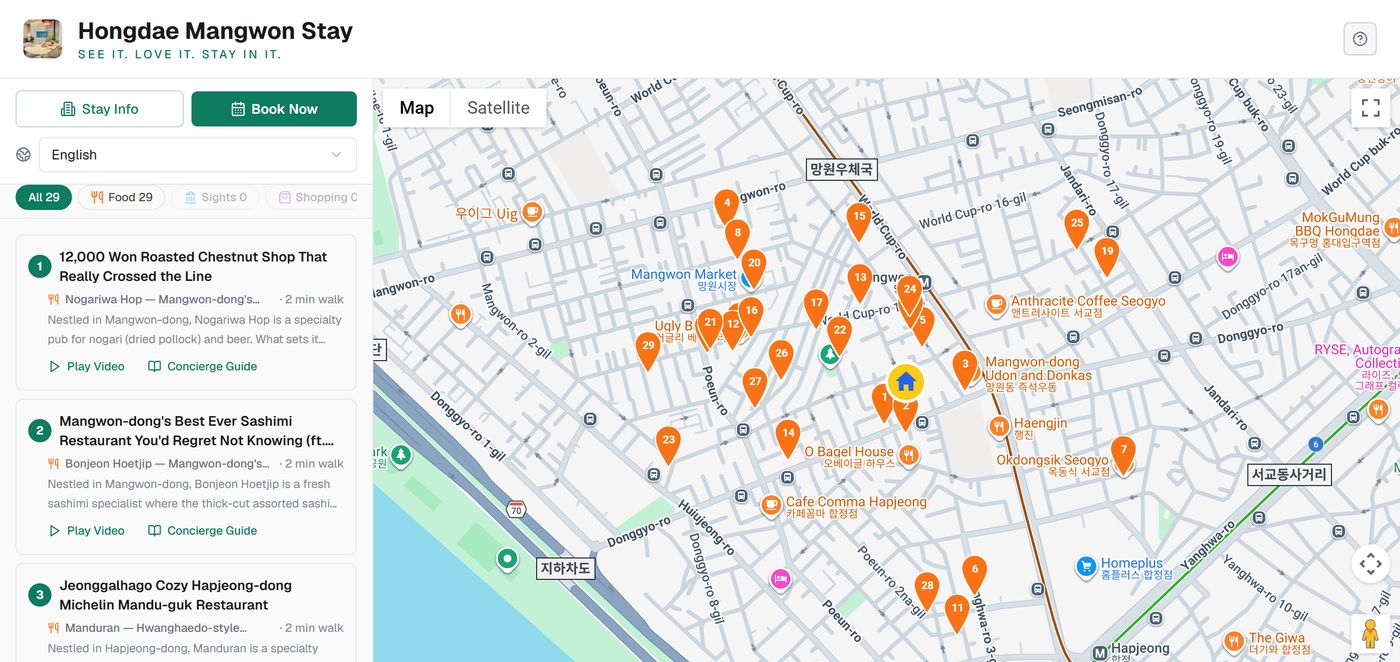
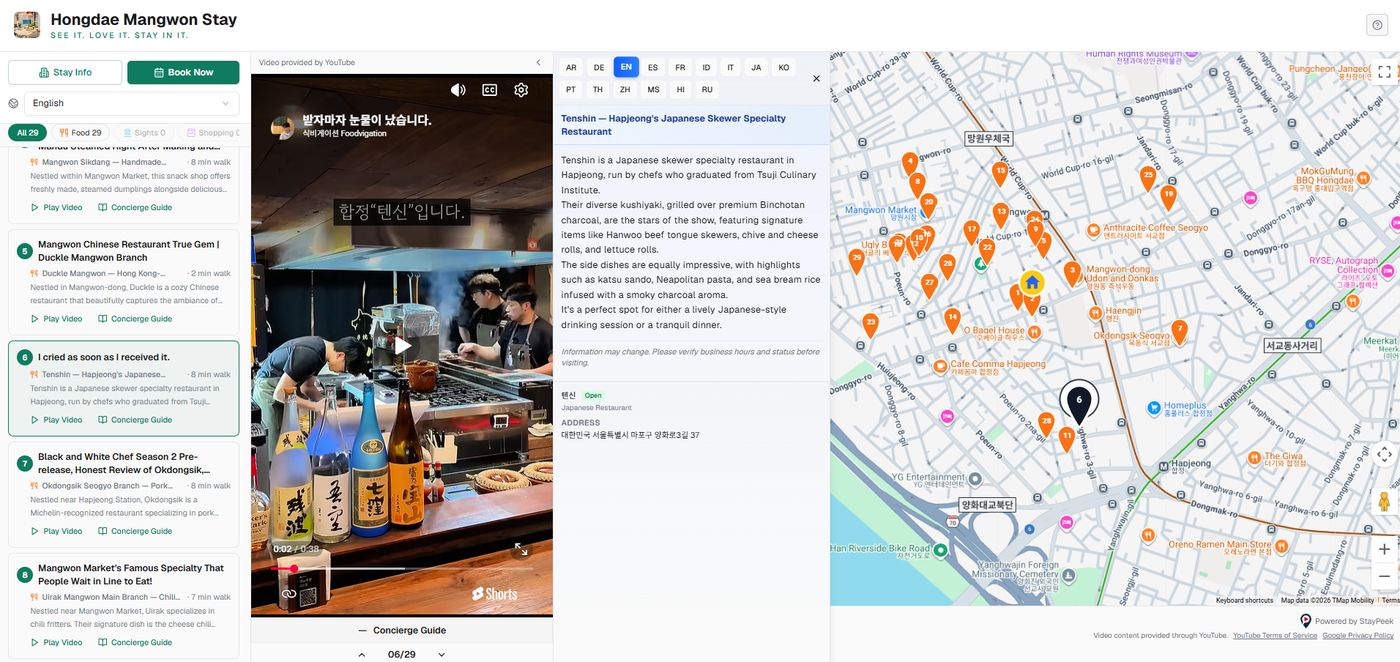
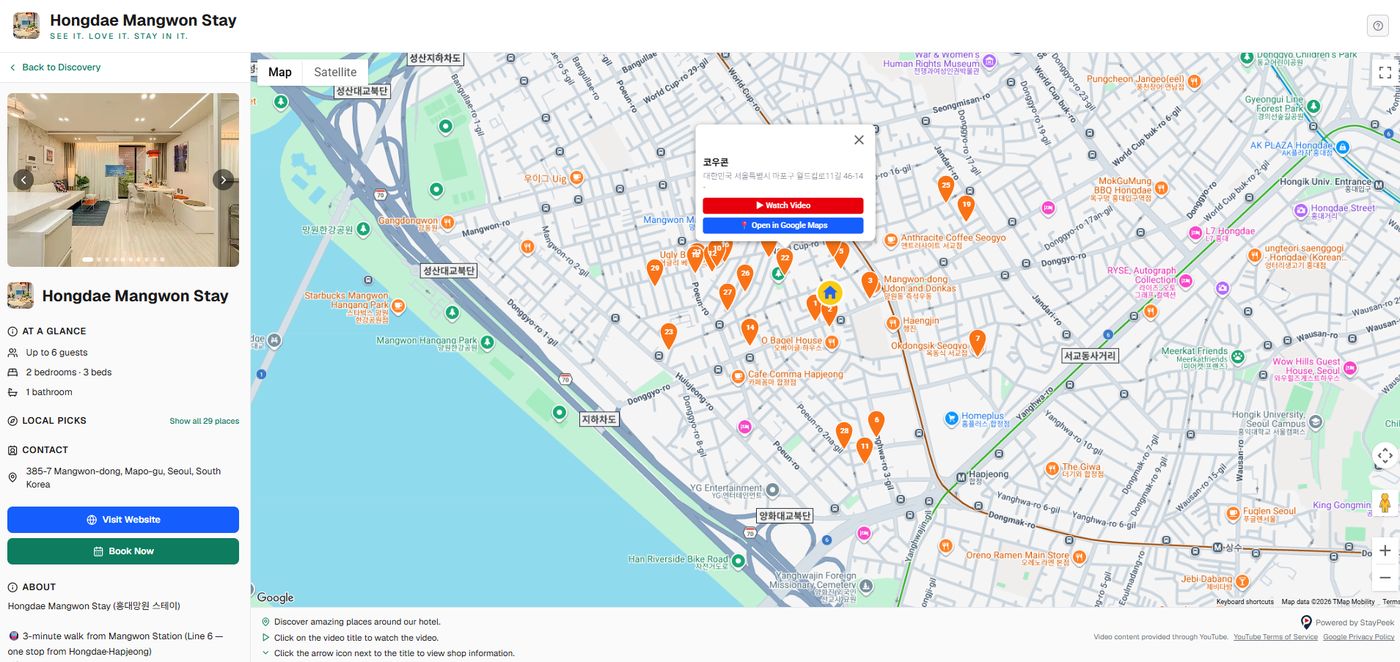
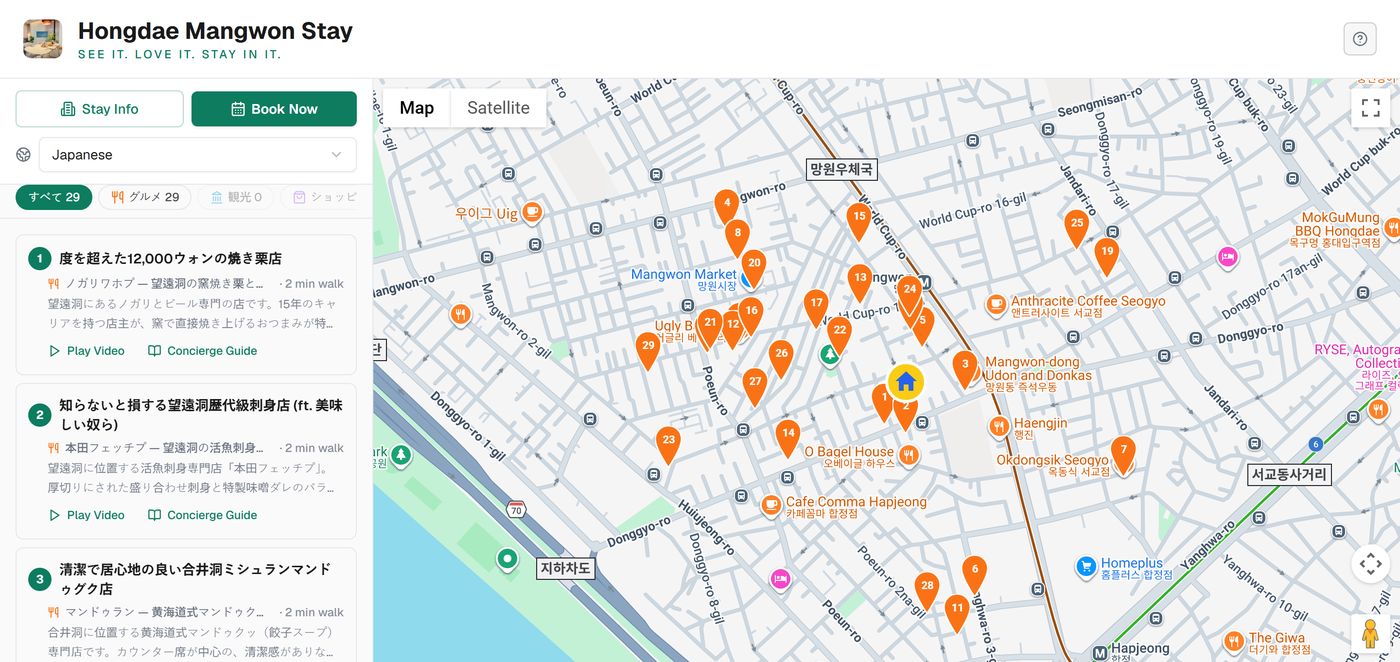
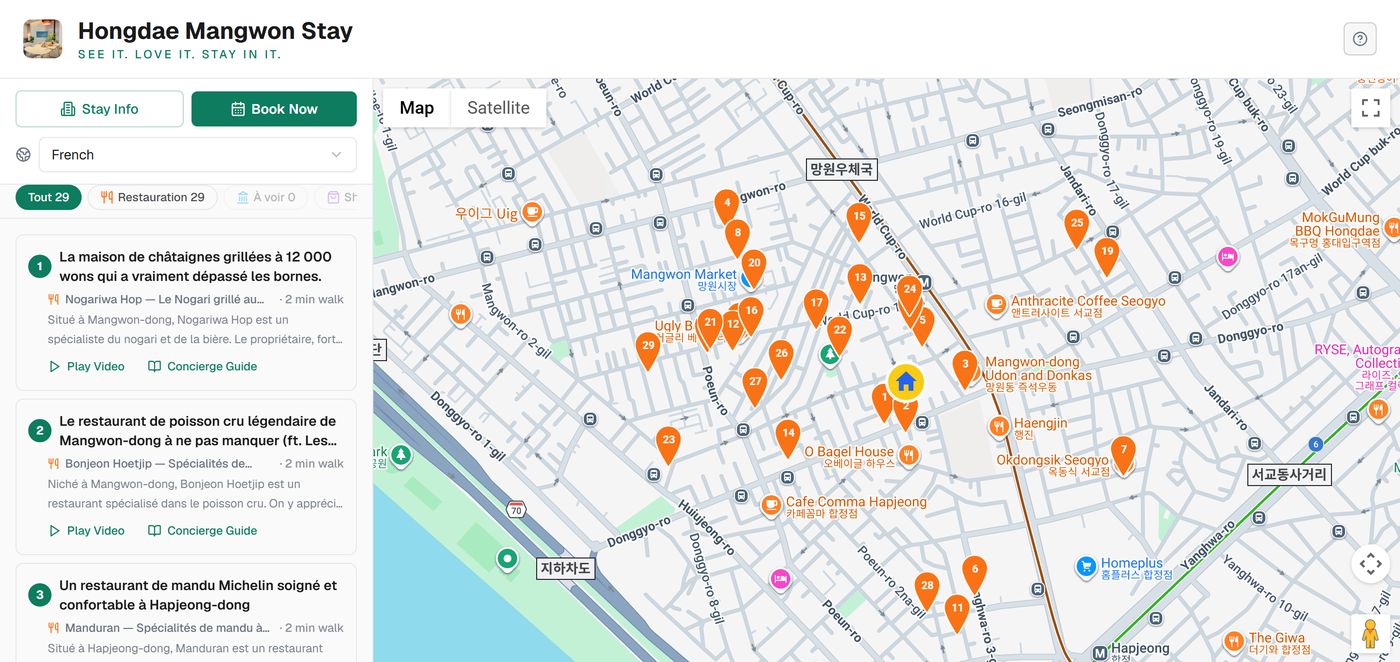
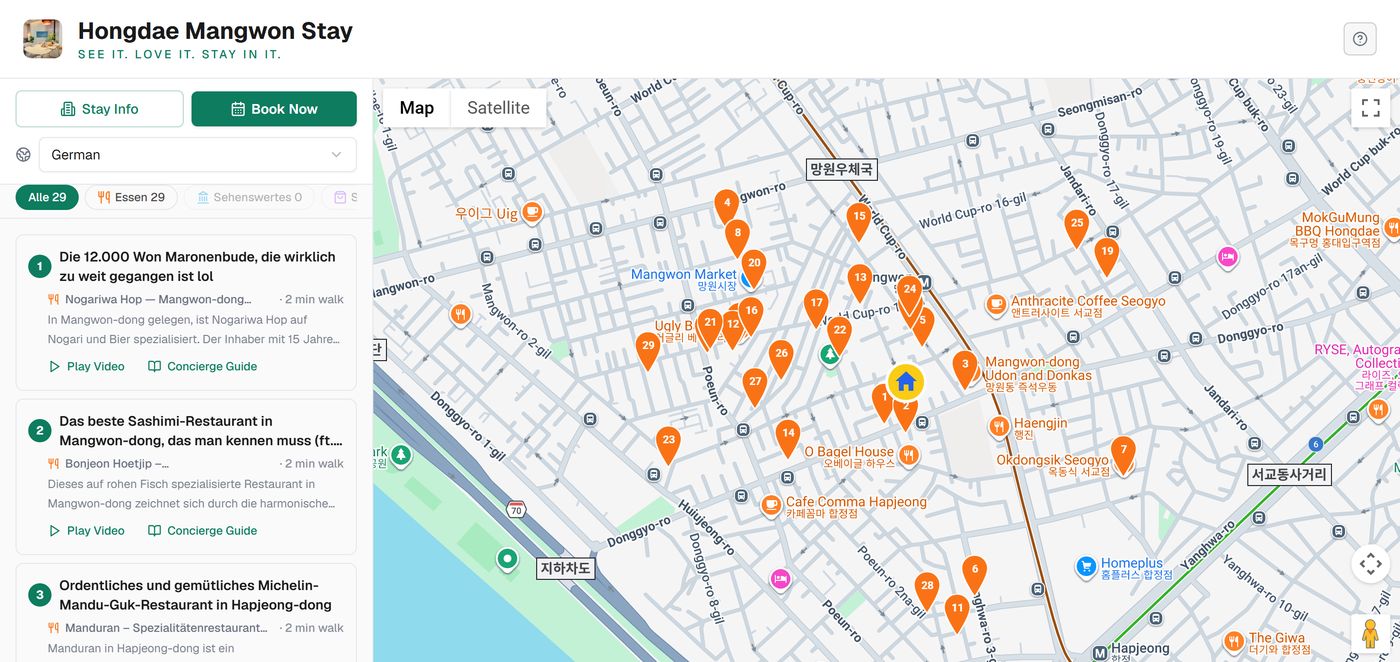
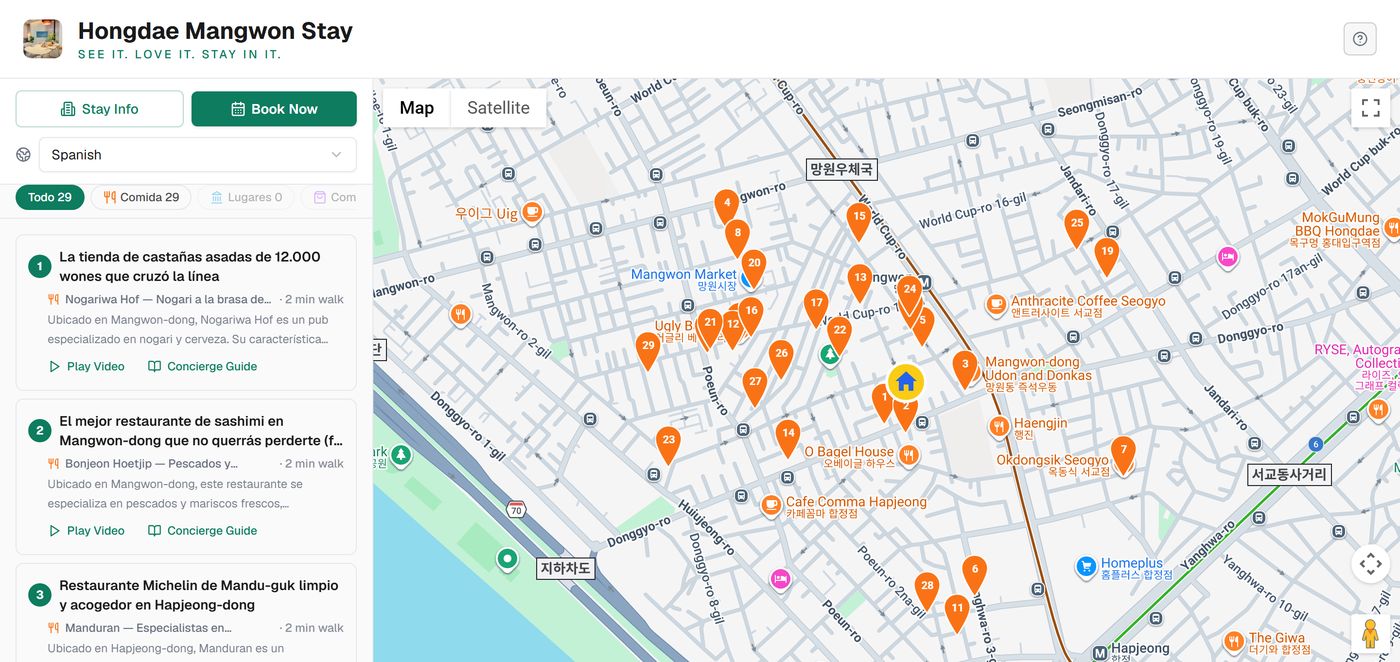
숙소 주변 영상 기반의 로컬 가이드
현지 크리에이터의 영상 + 지도 + 도보 시간 + 길찾기가 한 화면에 담기고,
15개 언어로, 게스트가 쓰는 언어 그대로 열립니다.
유튜브에서 겪던 다섯 가지가 이 화면 하나에서 전부 해소됩니다.
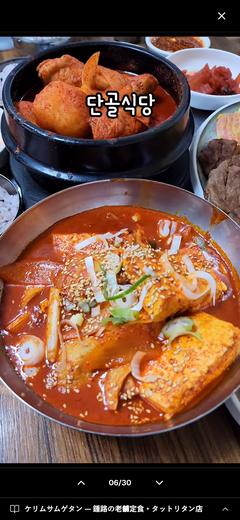
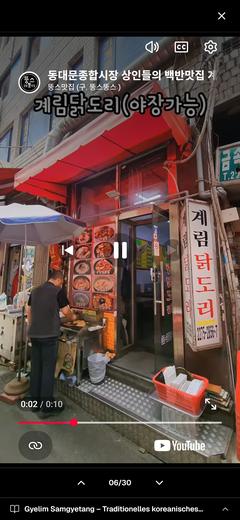
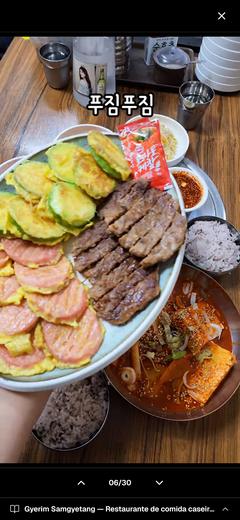
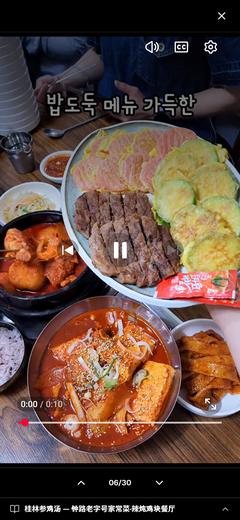
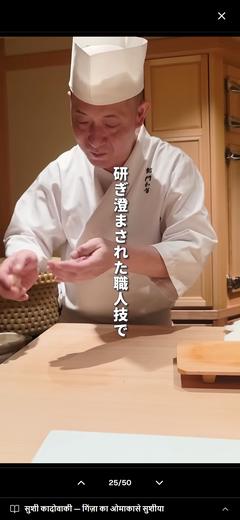
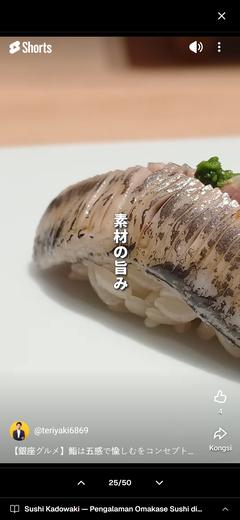
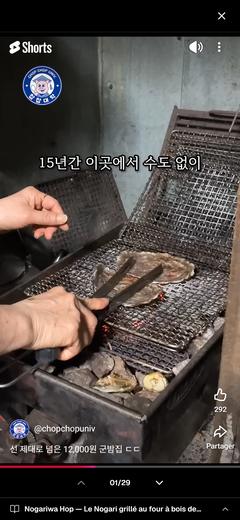
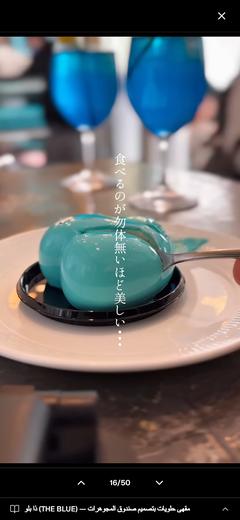
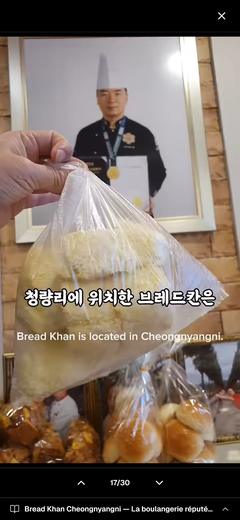

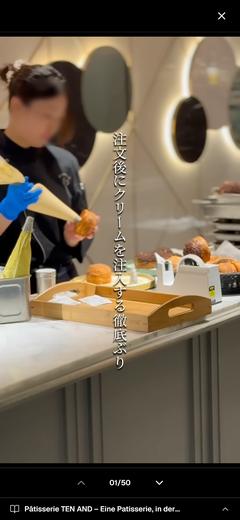
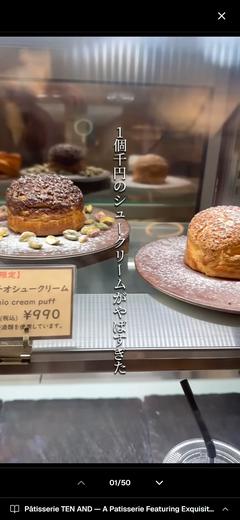
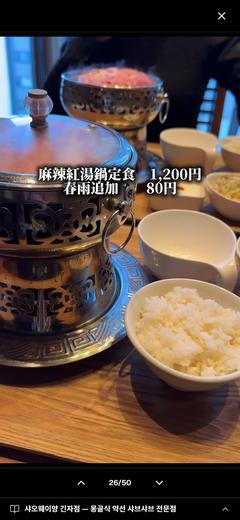
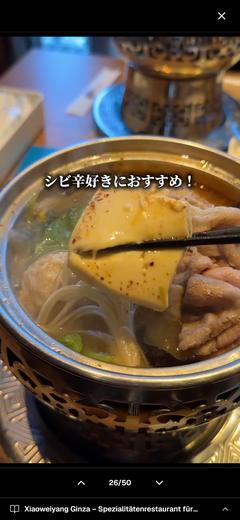
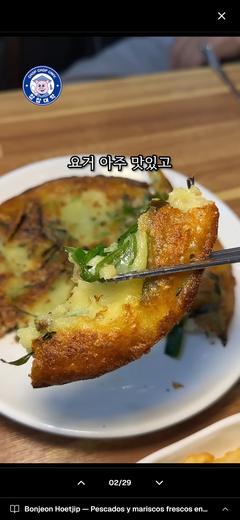

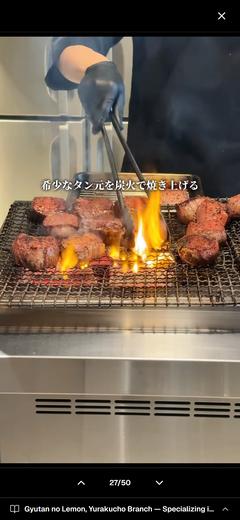
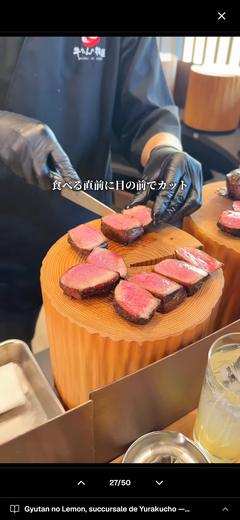
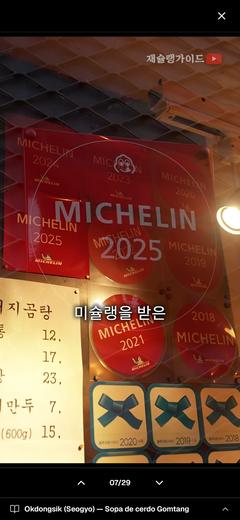
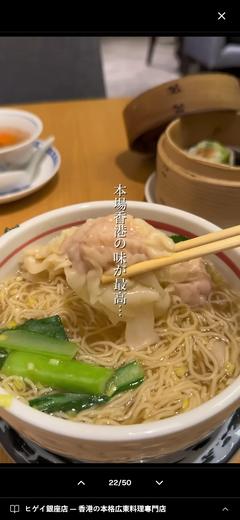

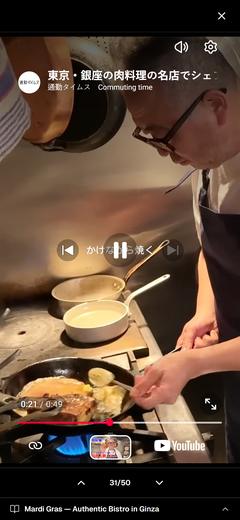
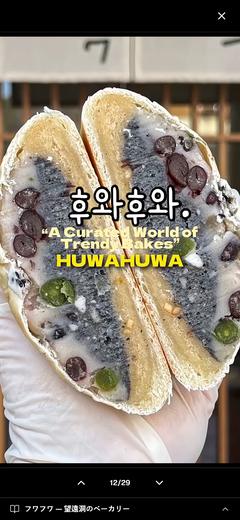
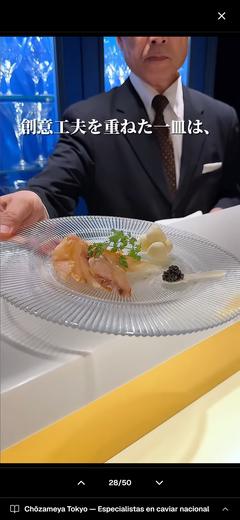
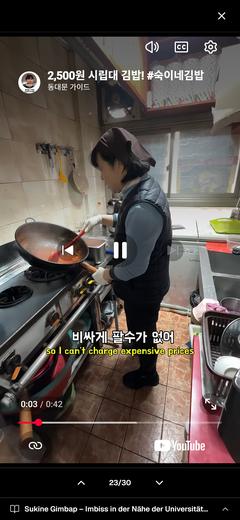

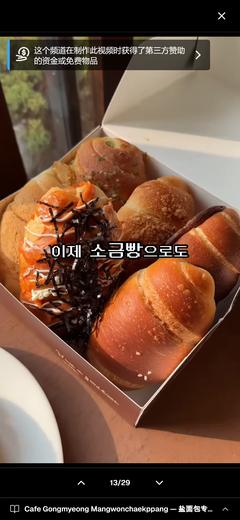
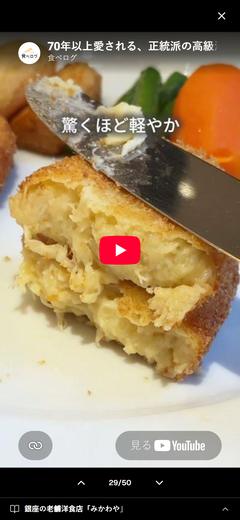
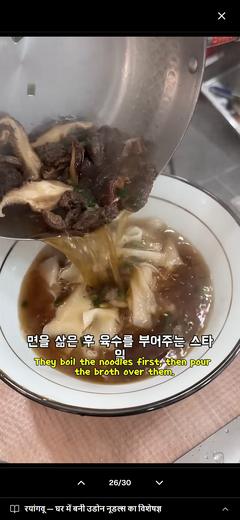
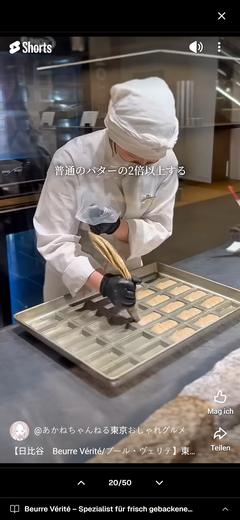
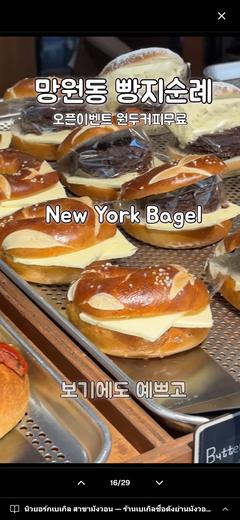
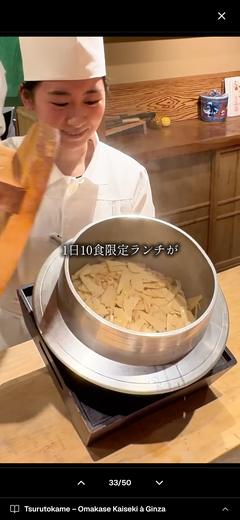
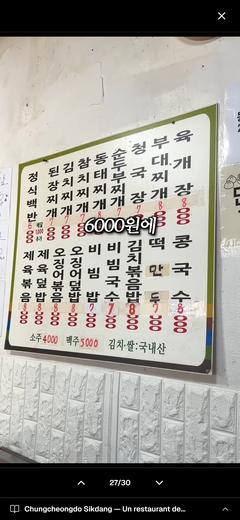
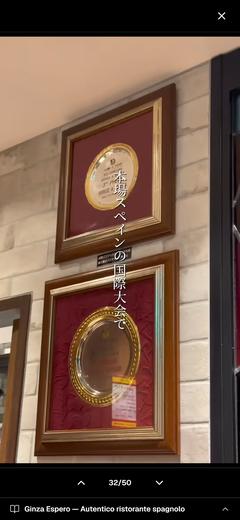
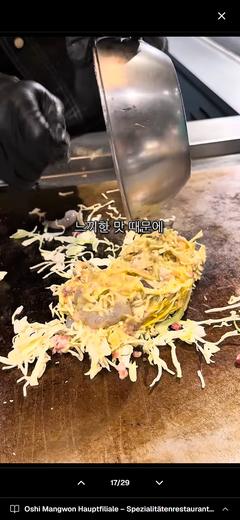

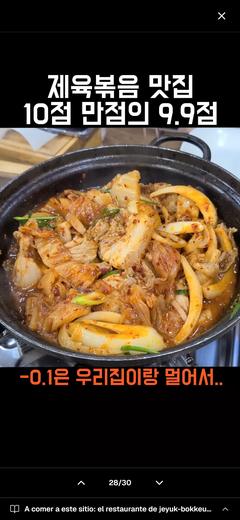
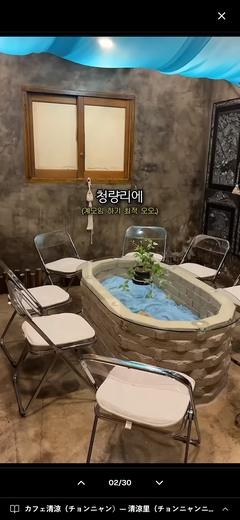
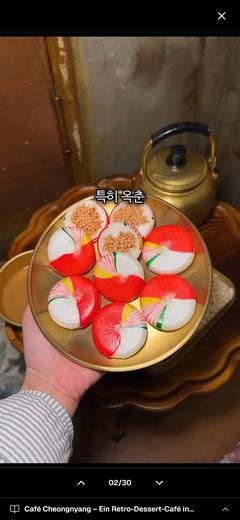
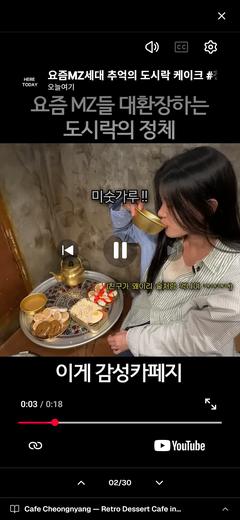
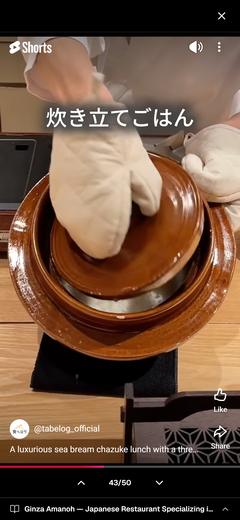
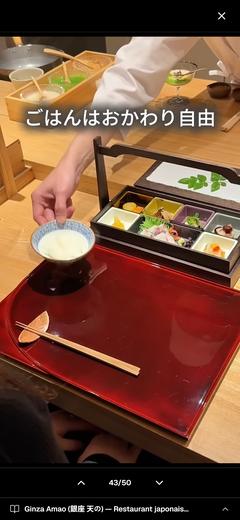
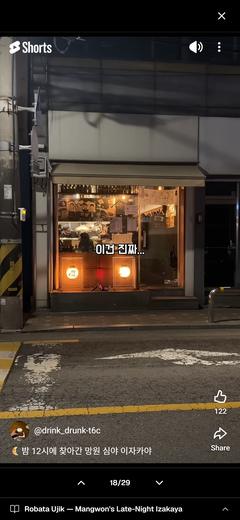
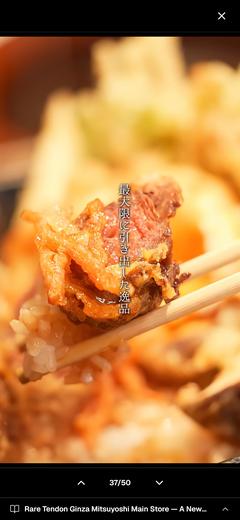
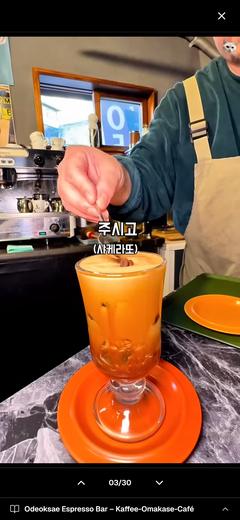
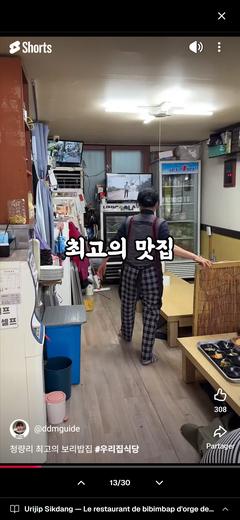
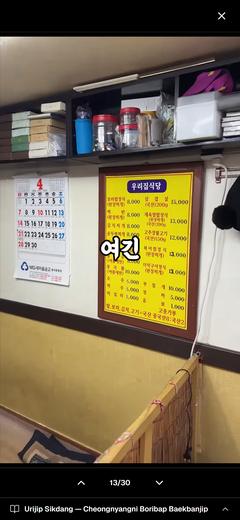
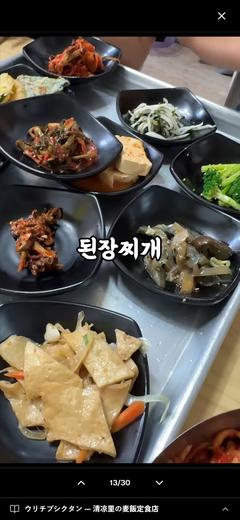
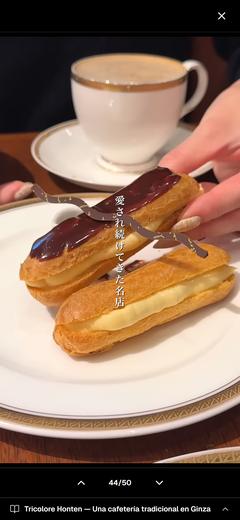
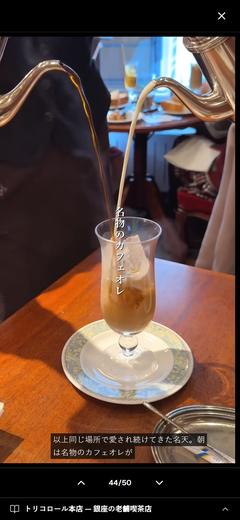
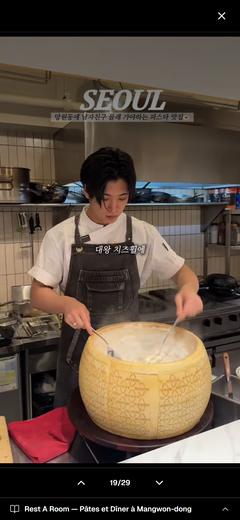
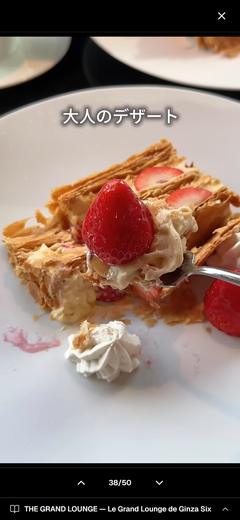
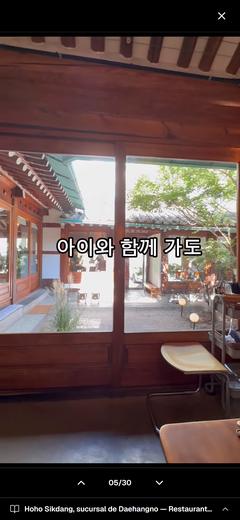
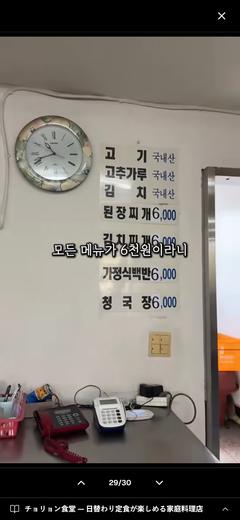
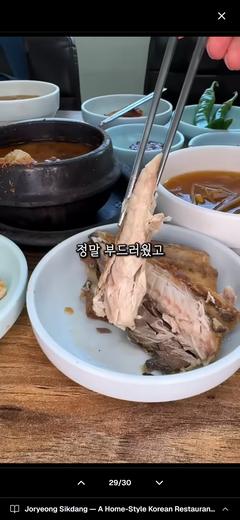
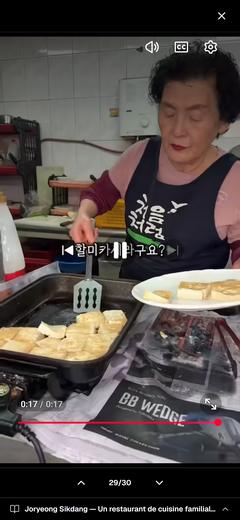

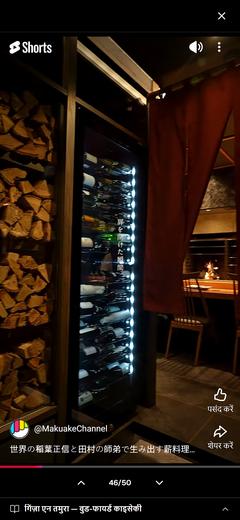

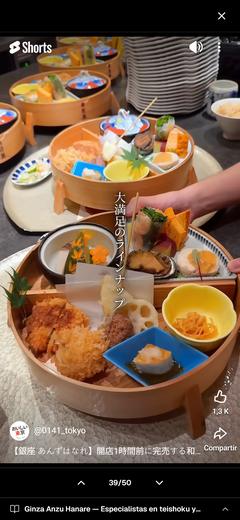
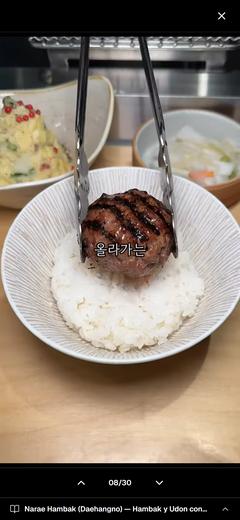
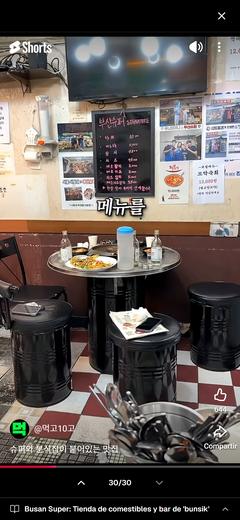
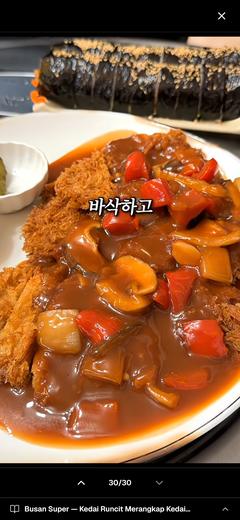
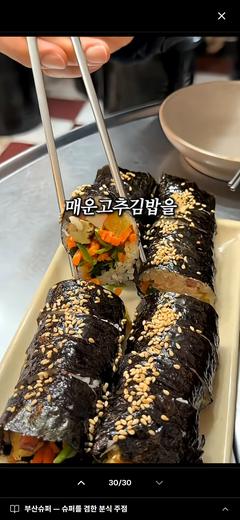
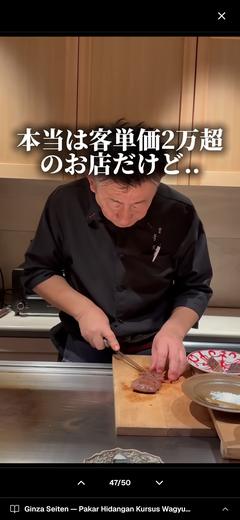
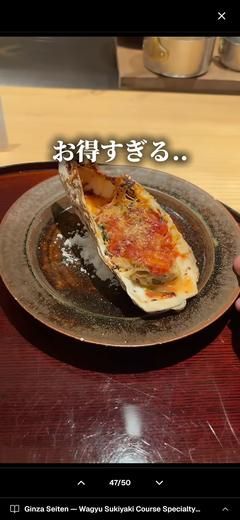
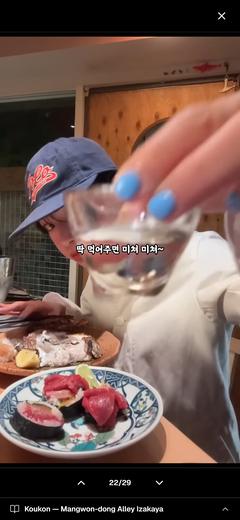
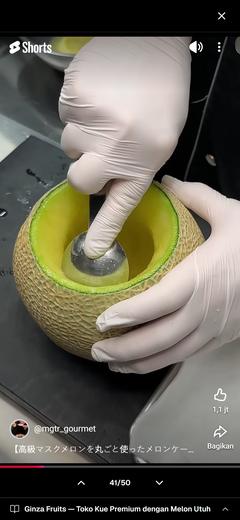
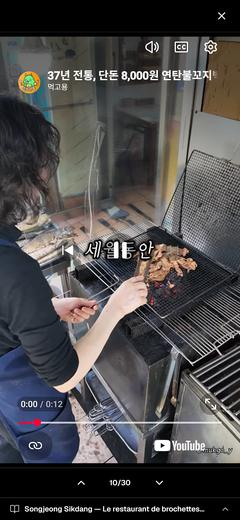
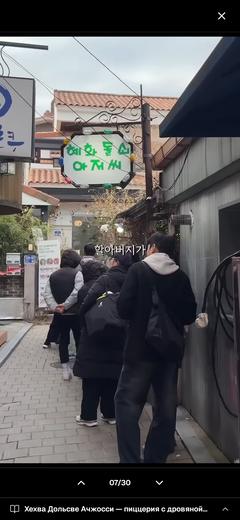
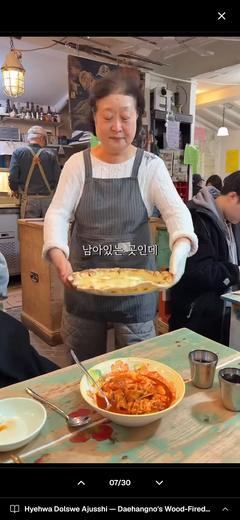
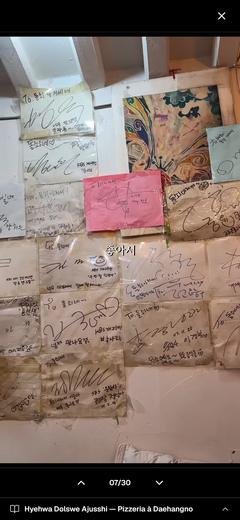
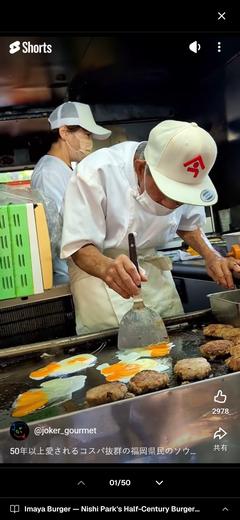
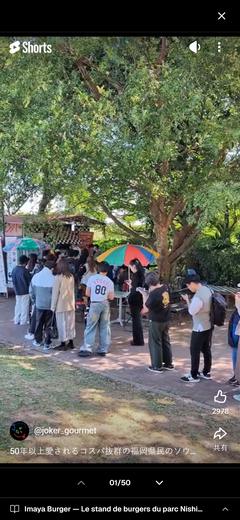
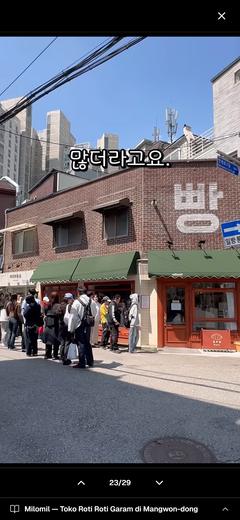
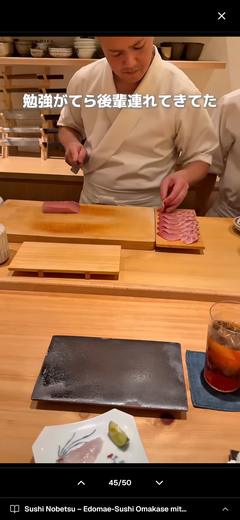
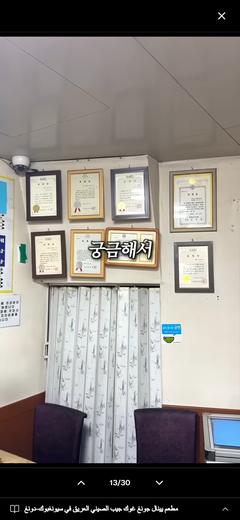
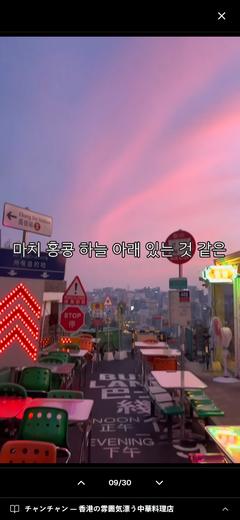
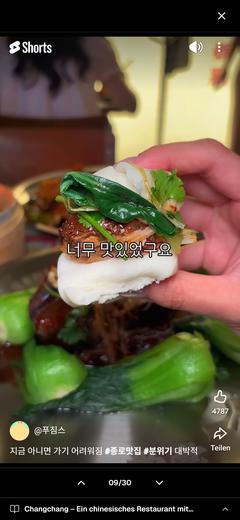
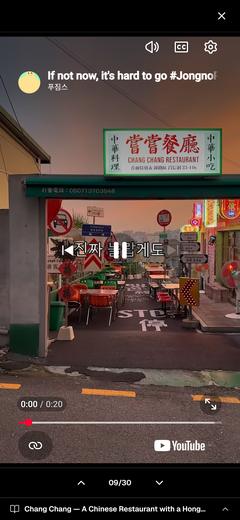
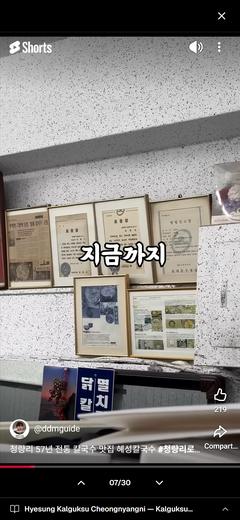
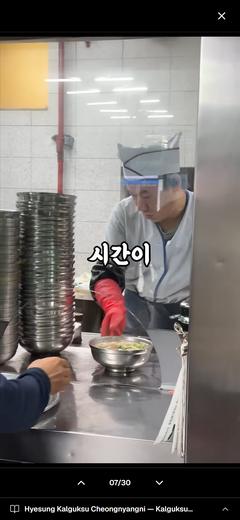
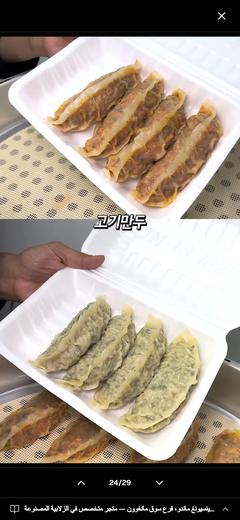
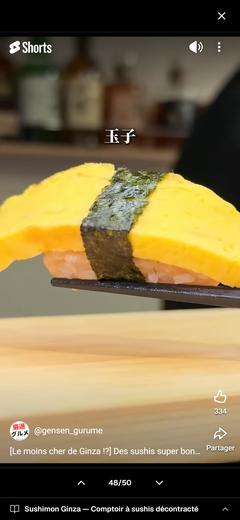
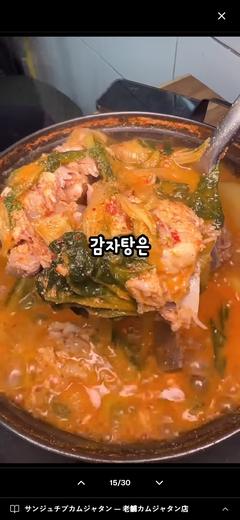
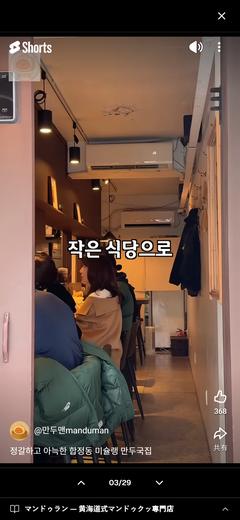
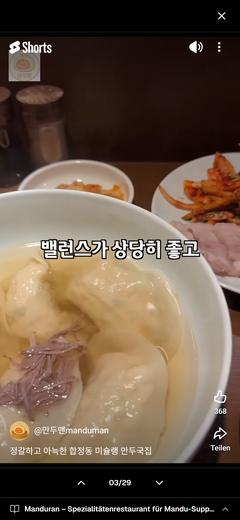
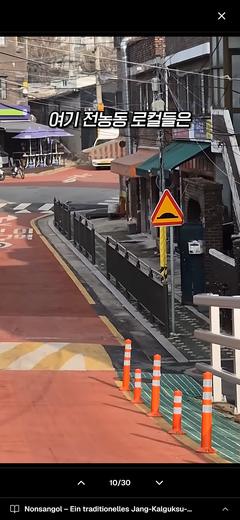
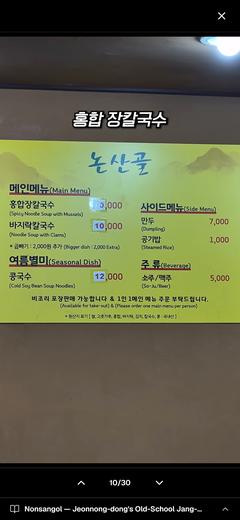
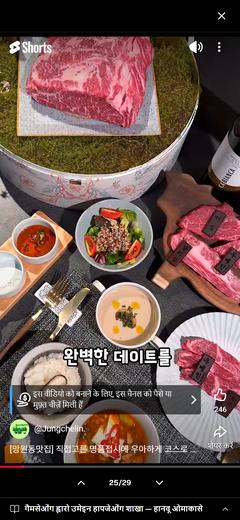
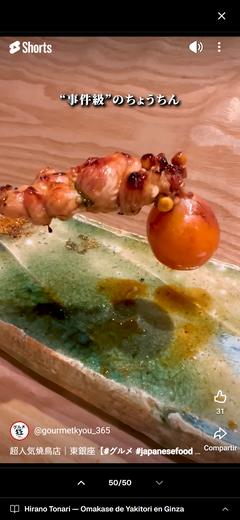
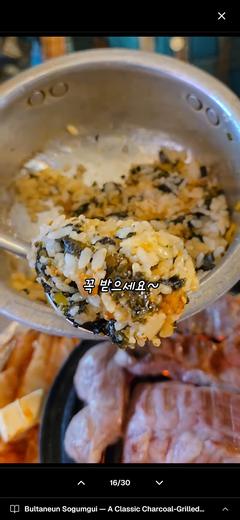
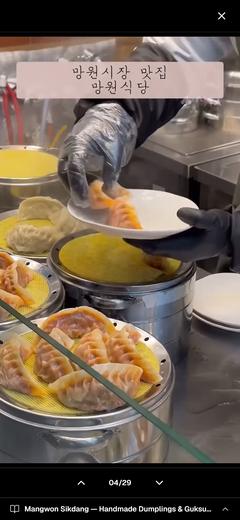
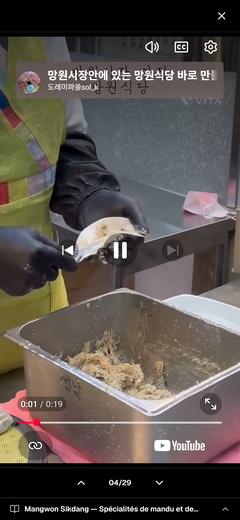
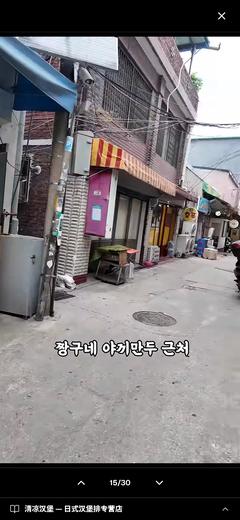
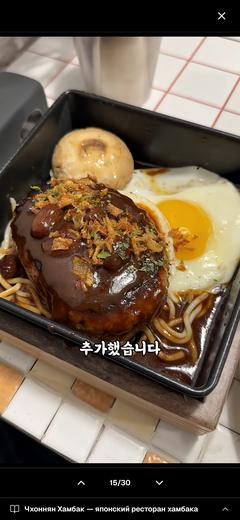
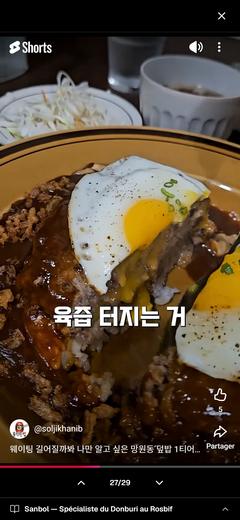
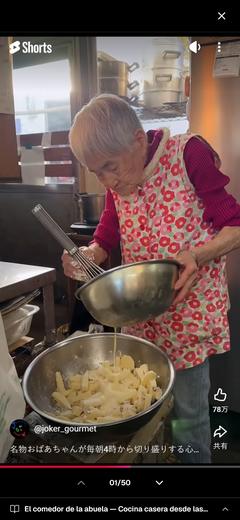
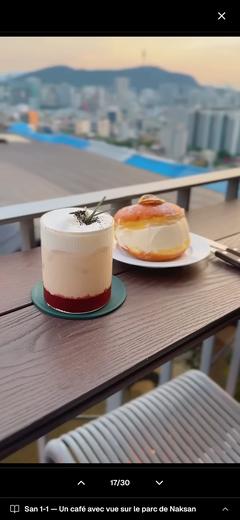
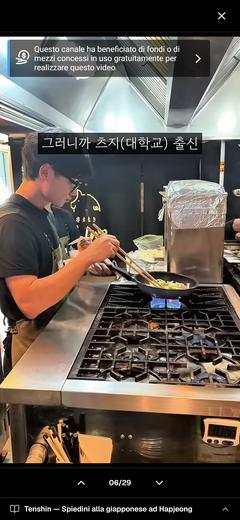
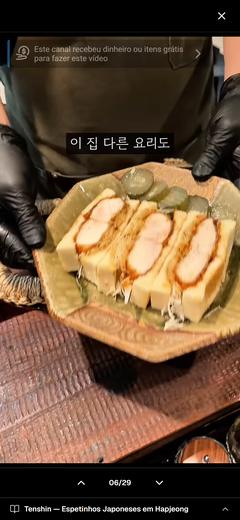
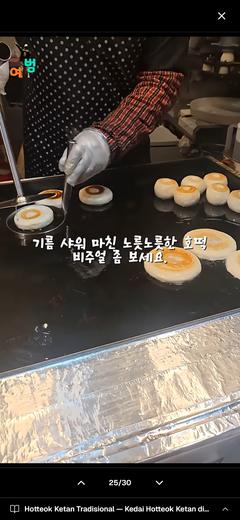
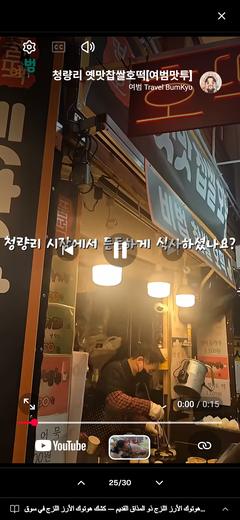
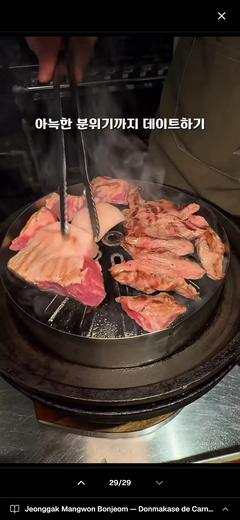
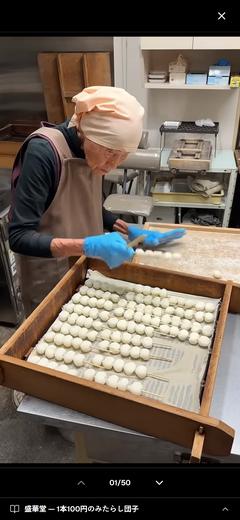
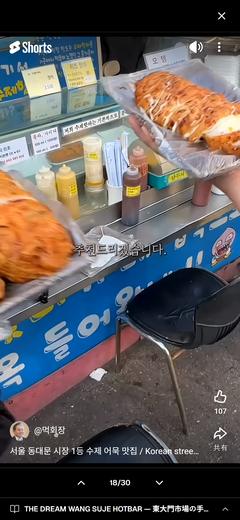
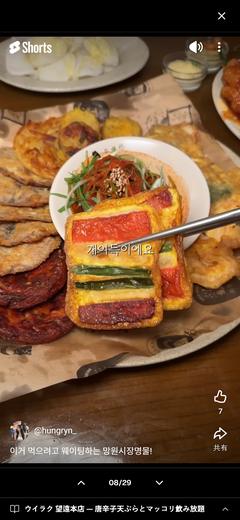
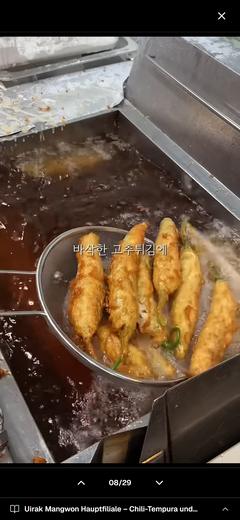
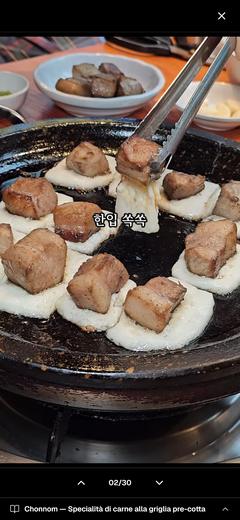
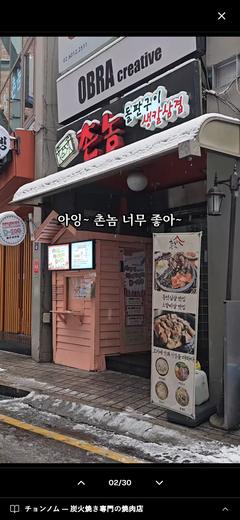
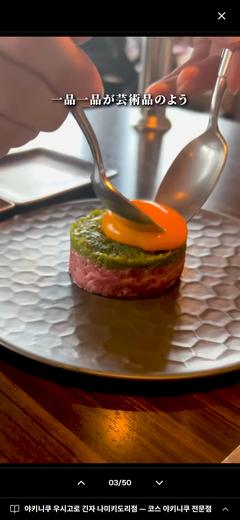
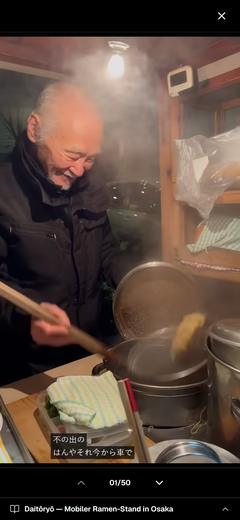
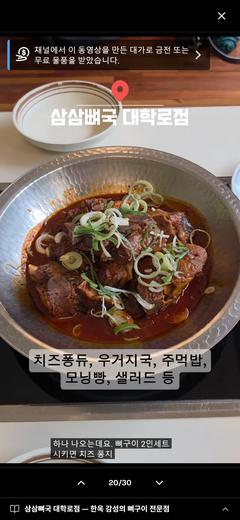
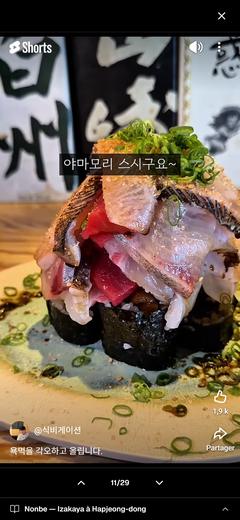
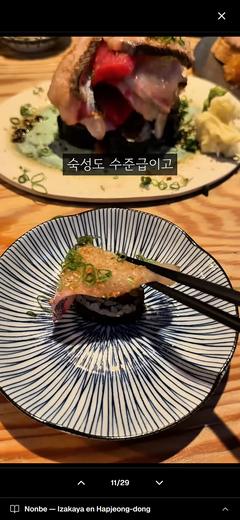
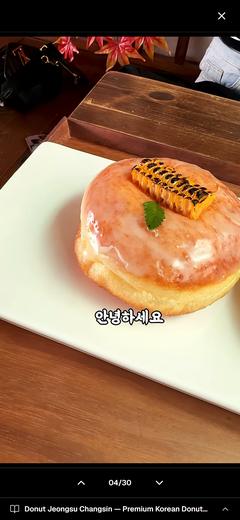
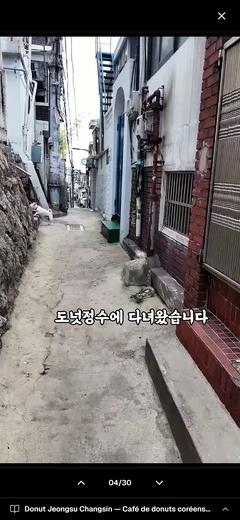
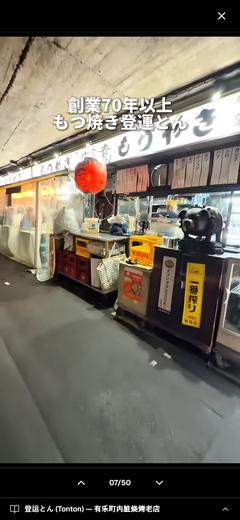
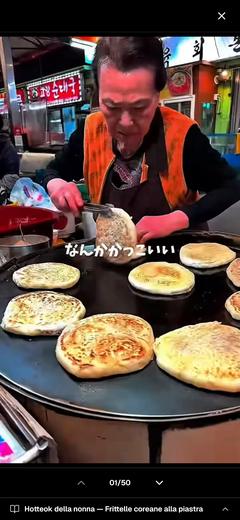
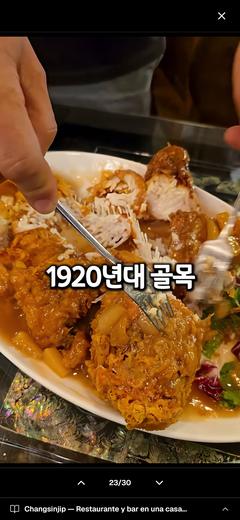
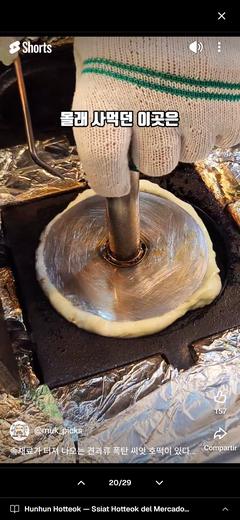
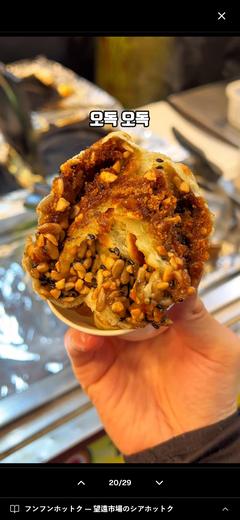
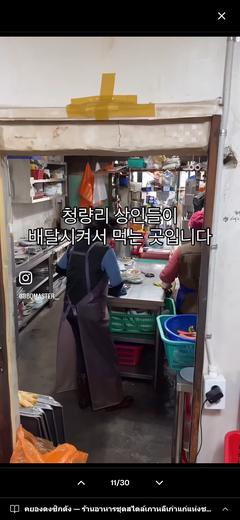
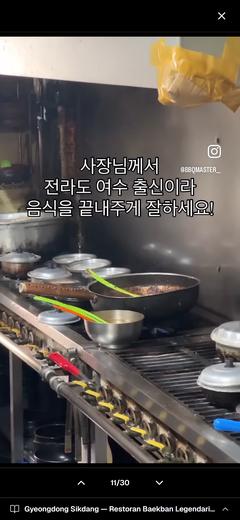
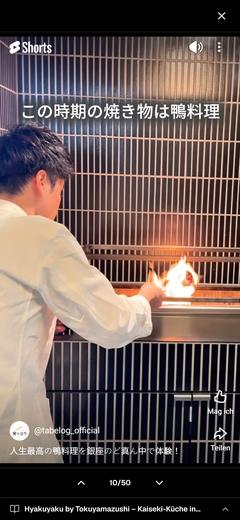
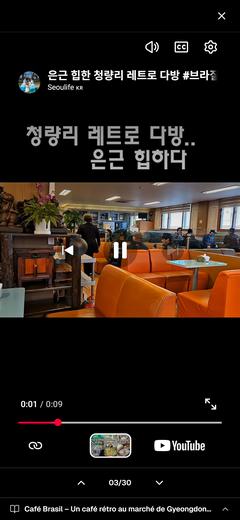
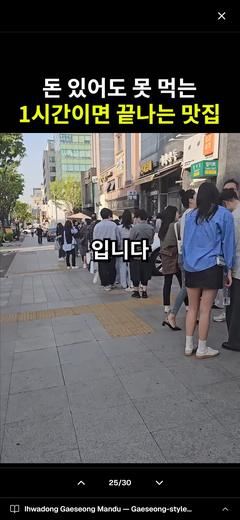
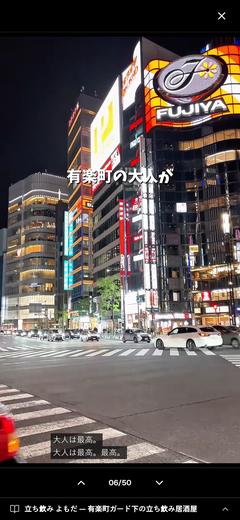
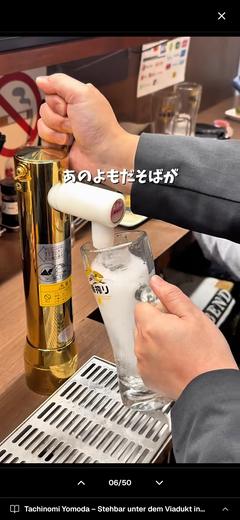
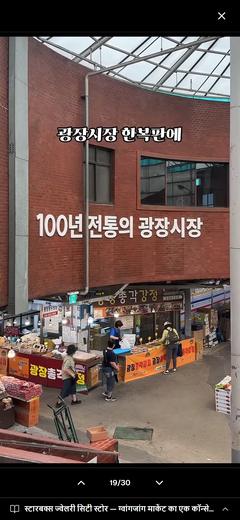
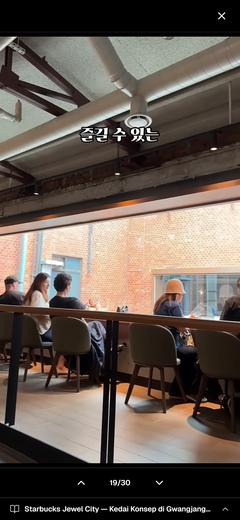
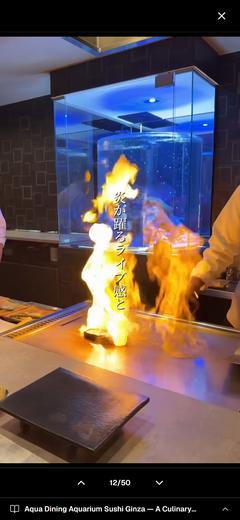
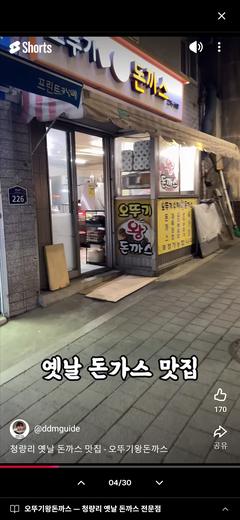
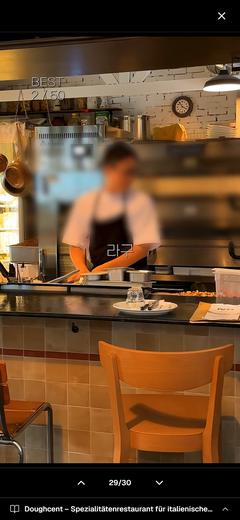
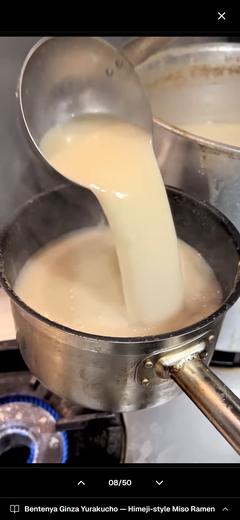
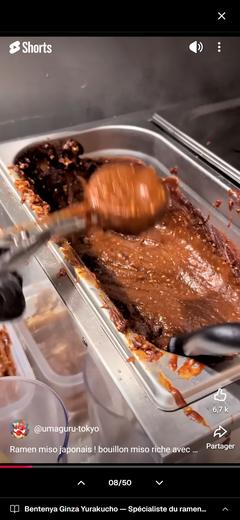
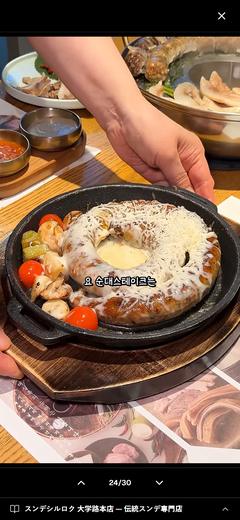
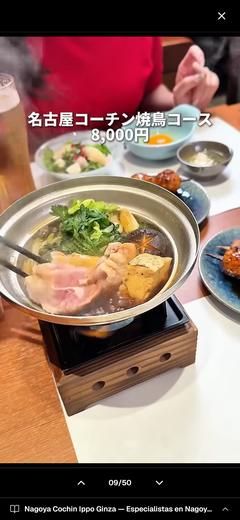
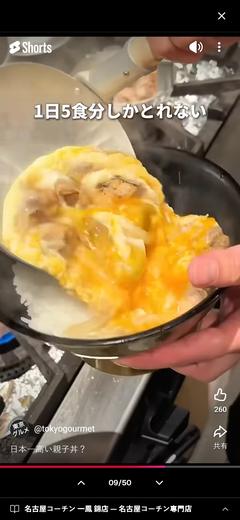
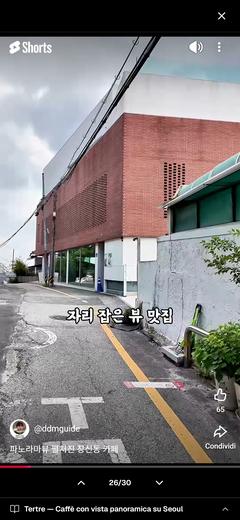
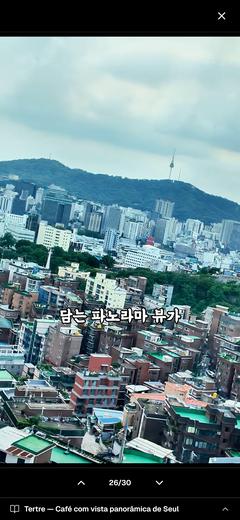
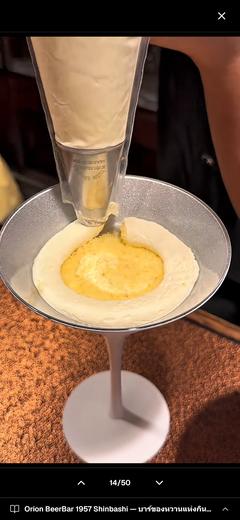
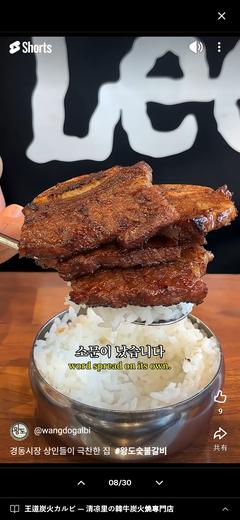
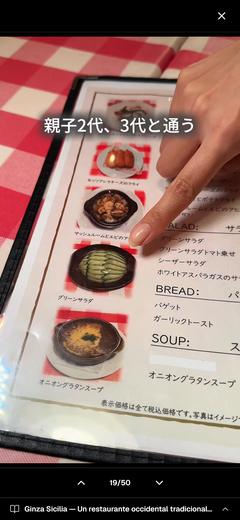
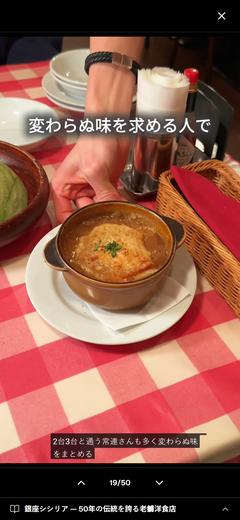
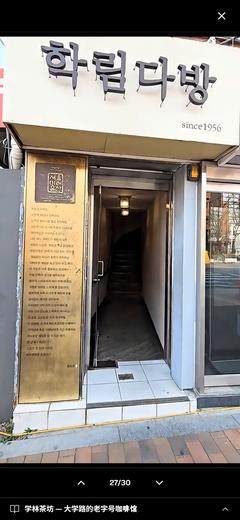
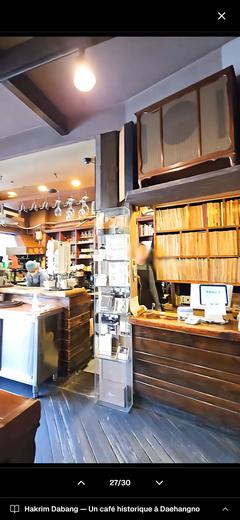
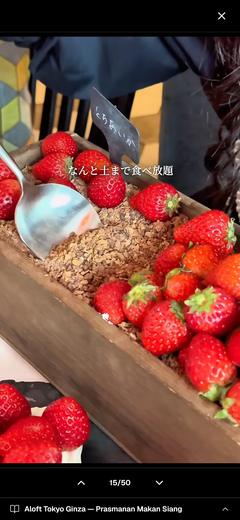
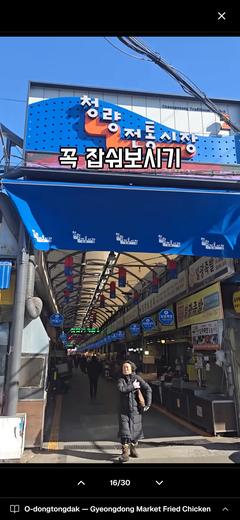
체크인한 게스트가 짐을 풀고 폰을 엽니다.
지도에는 숙소를 가운데 두고 핀이 30개쯤 찍혀 있습니다.
동네 영상을 재미 삼아 몇 편 넘겨 보다가, 취향에 맞는 곳을 골라 길찾기를 누르고 나갑니다.
처음 걷는 골목이, 오늘의 여행이 됩니다.
호스트에게 물어본 적은 없습니다.
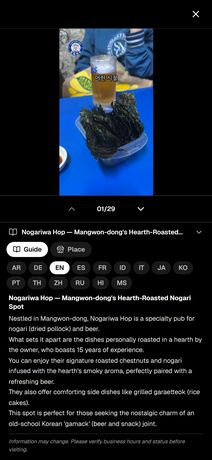 EN
EN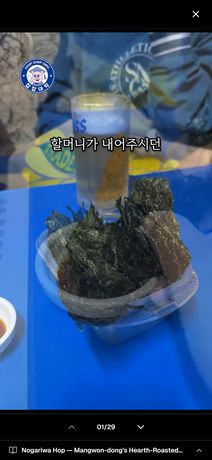 EN
EN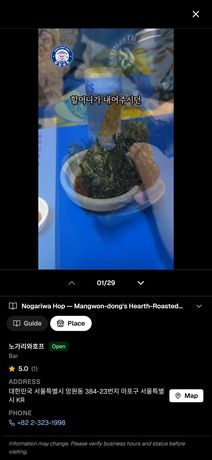 EN
EN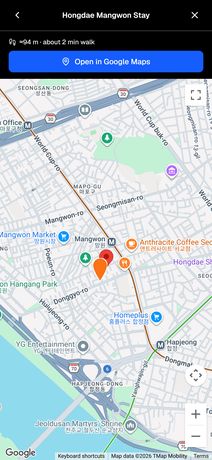 EN
EN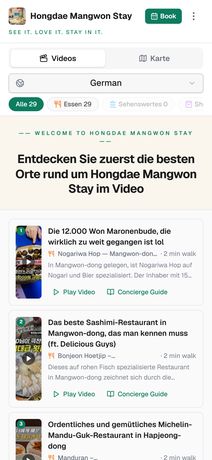 DE
DE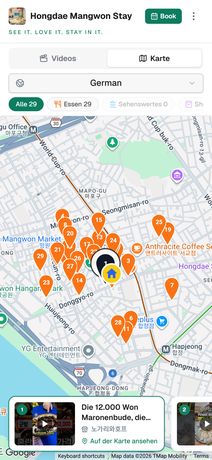 DE
DE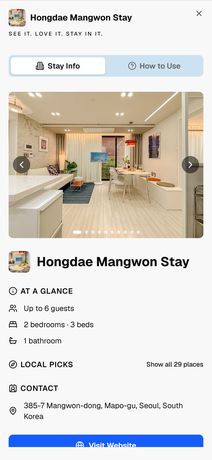 DE
DE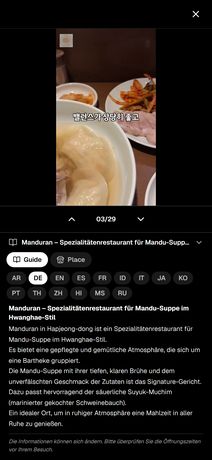 DE
DE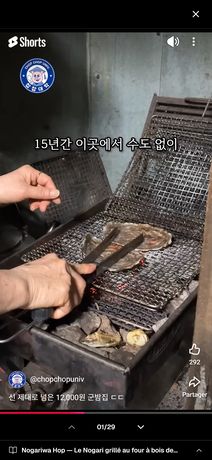 FR
FR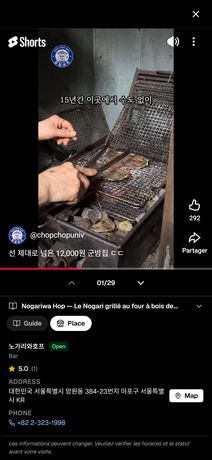 FR
FR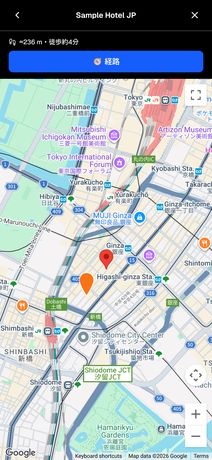 JA
JA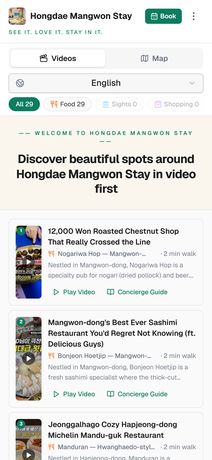 EN
EN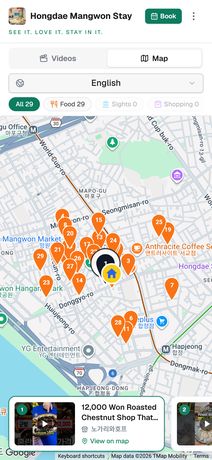 EN
EN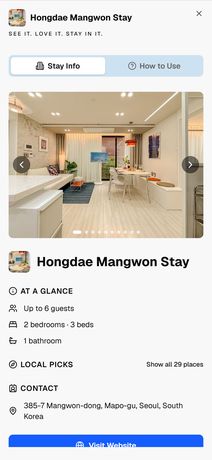 EN
EN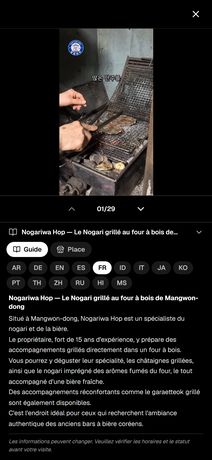 FR
FR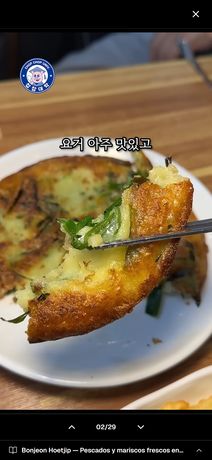 ES
ES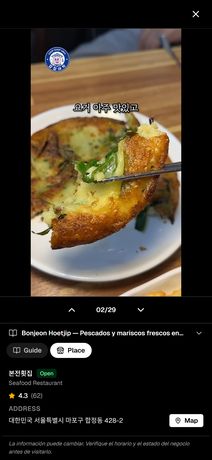 ES
ES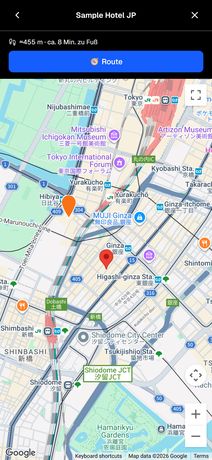 DE
DE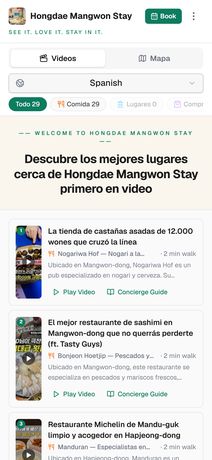 ES
ES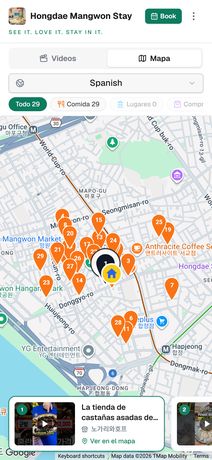 ES
ES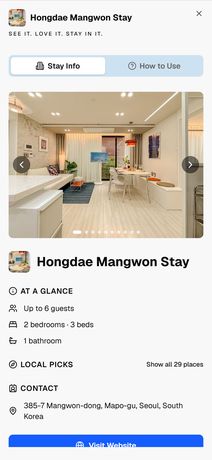 ES
ES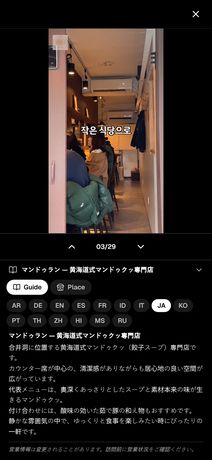 JA
JA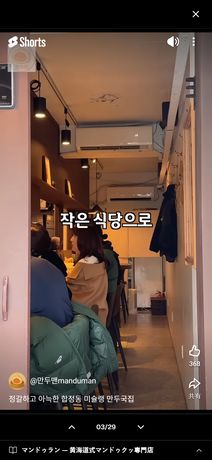 JA
JA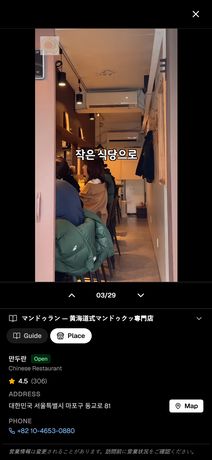 JA
JA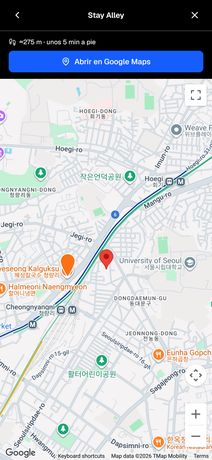 ES
ES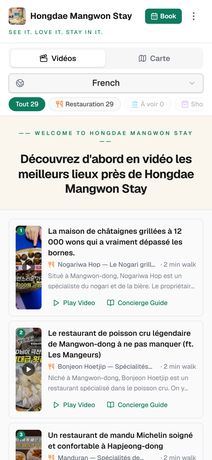 FR
FR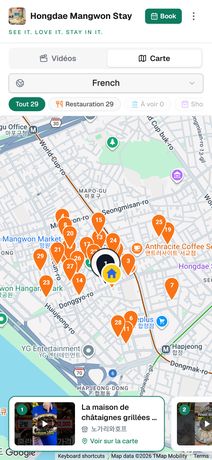 FR
FR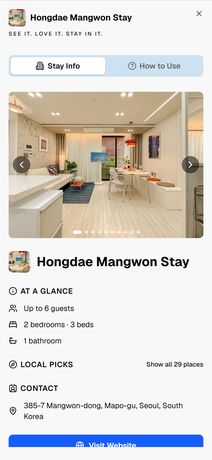 FR
FR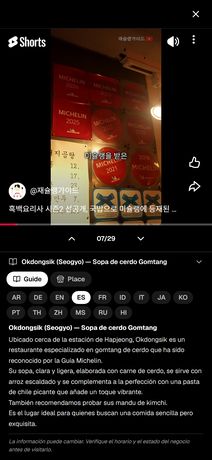 ES
ES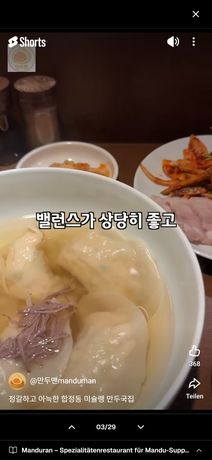 DE
DE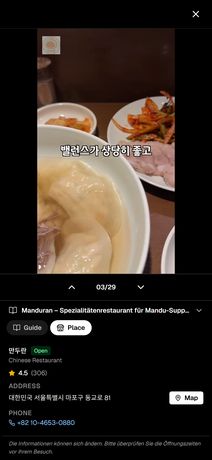 DE
DE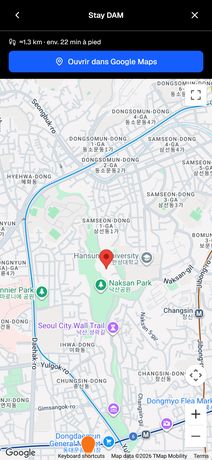 FR
FR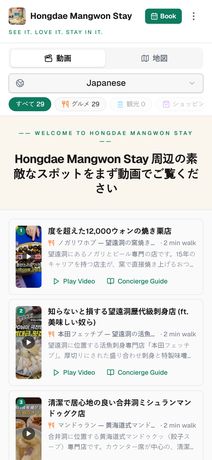 JA
JA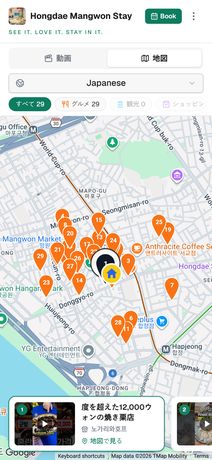 JA
JA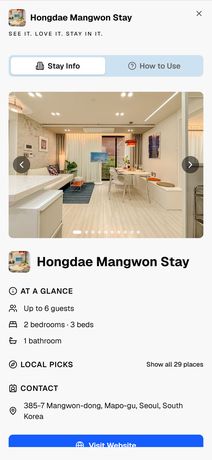 JA
JA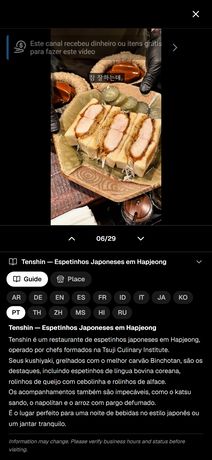 PT
PT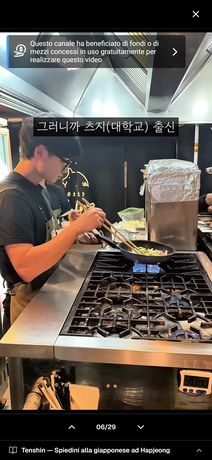 IT
IT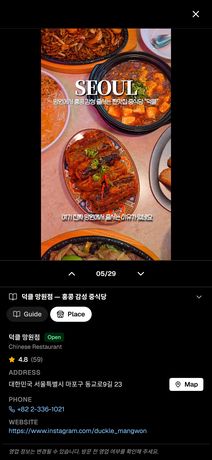 KO
KO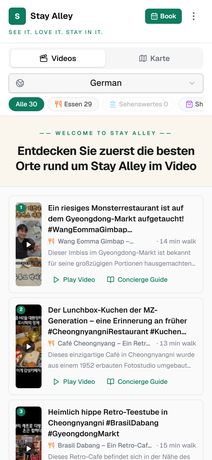 DE
DE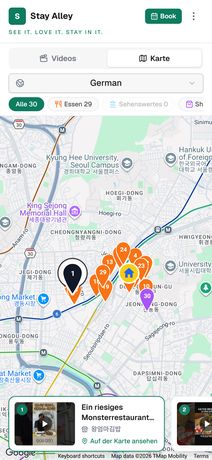 DEENENENENDEDEDEDEFRFRJAENENENFRESESDEESESESJAJAJAESFRFRFRESDEDEFRJAJAJAPTITKODEDE
 DE
DE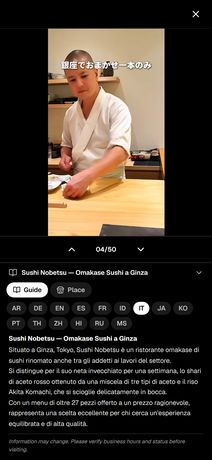 IT
IT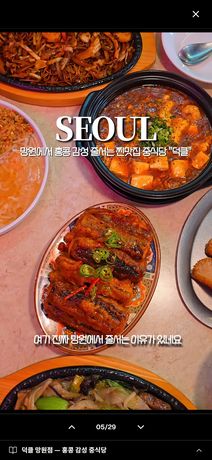 KO
KO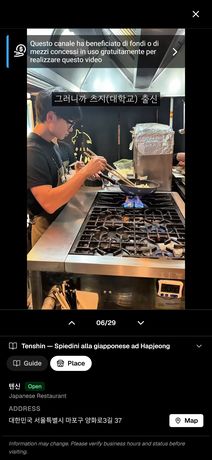 IT
IT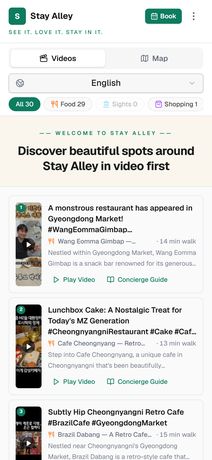 EN
EN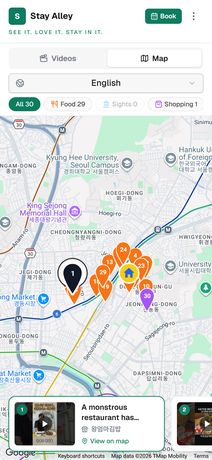 EN
EN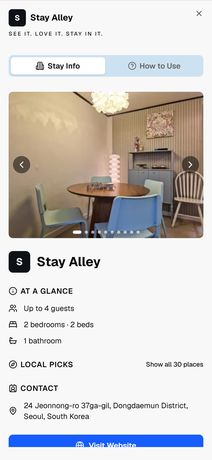 EN
EN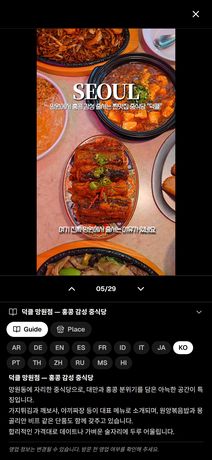 KO
KO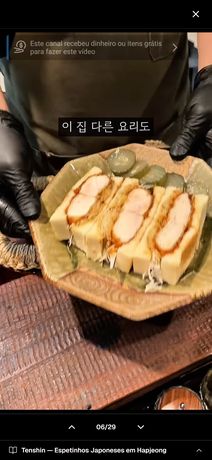 PT
PT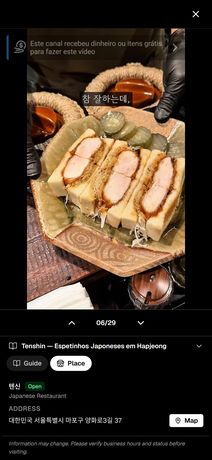 PT
PT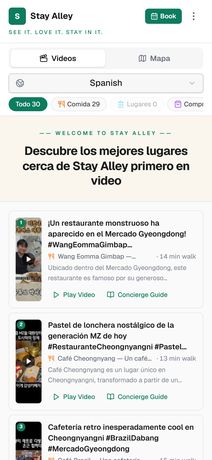 ES
ES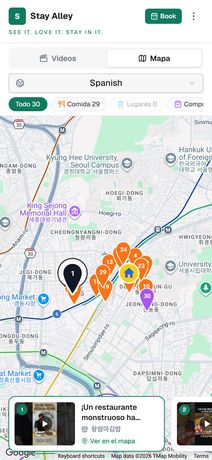 ES
ES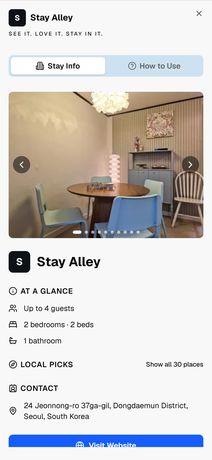 ES
ES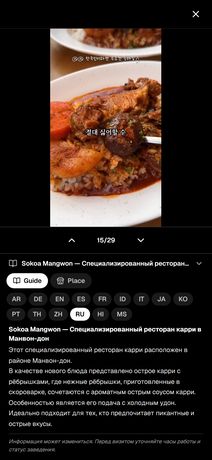 RU
RU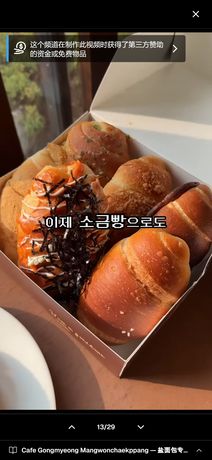 ZH
ZH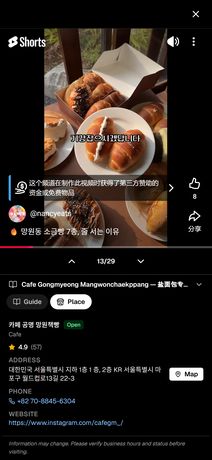 ZH
ZH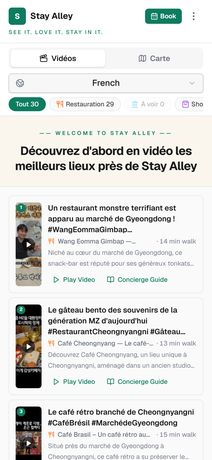 FR
FR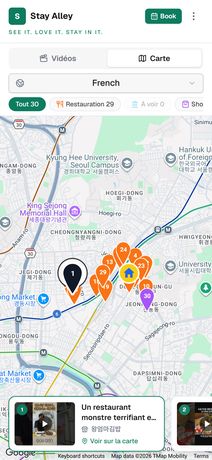 FR
FR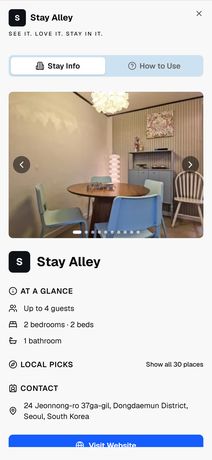 FR
FR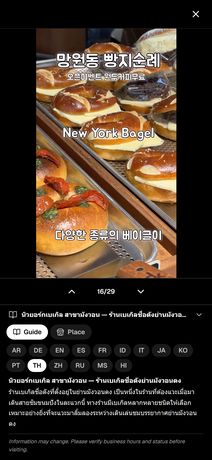 TH
TH RU
RU RU
RU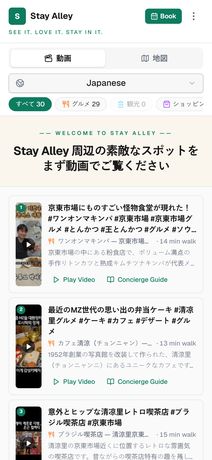 JA
JA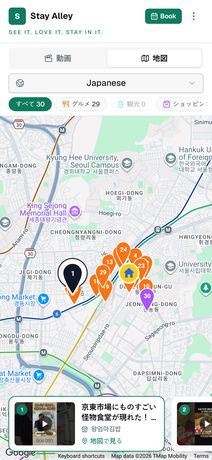 JA
JA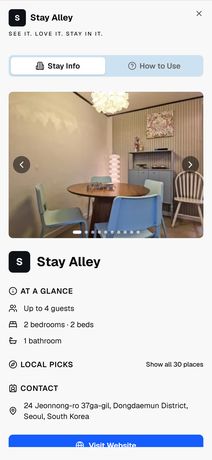 JA
JA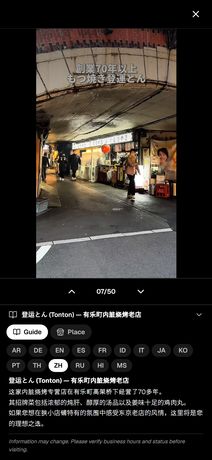 ZH
ZH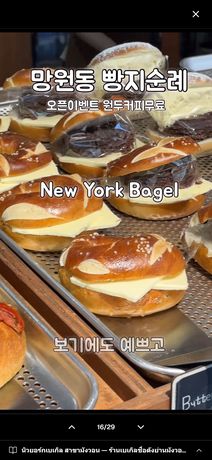 TH
TH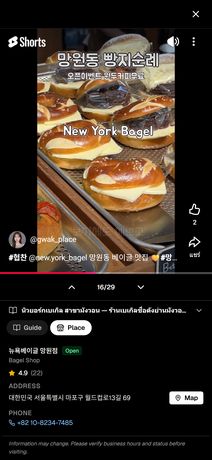 TH
TH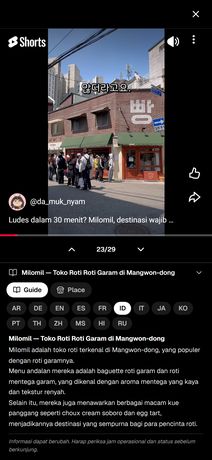 ID
ID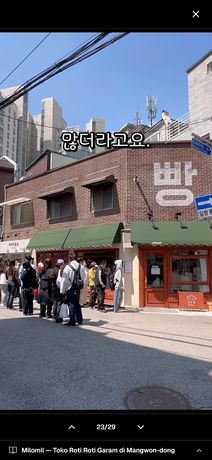 ID
ID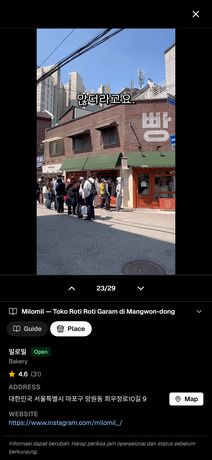 ID
ID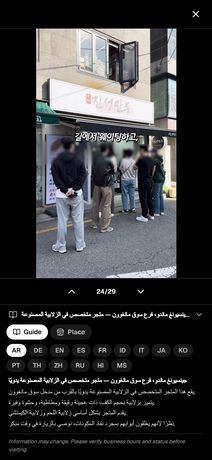 AR
AR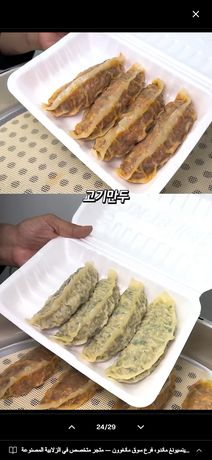 AR
AR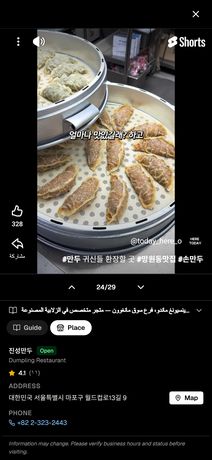 AR
AR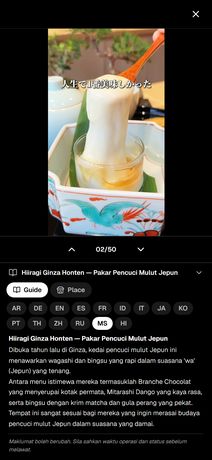 MS
MS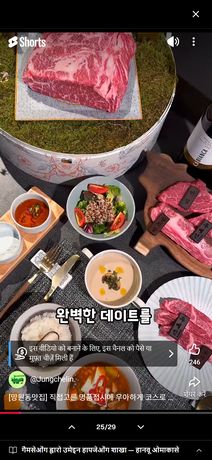 HI
HI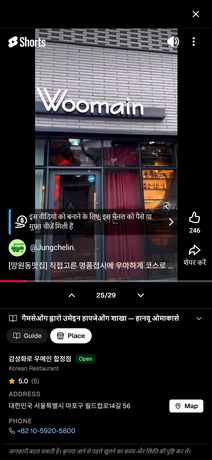 HI
HI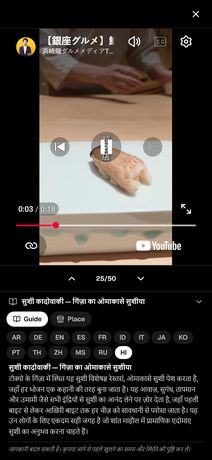 HI
HI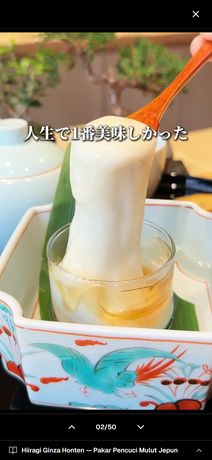 MS
MS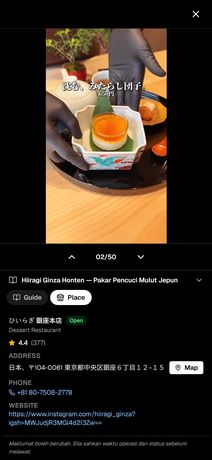 MSDEITKOITENENENKOPTPTESESESRUZHZHFRFRFRTHRURUJAJAJAZHTHTHIDIDIDARARARMSHIHIHIMSMS
실제로 열리는 화면입니다. 같은 가이드가 15개 언어로, 게스트가 쓰는 언어 그대로.
왜 영상인지, 왜 에어비앤비와 어울리는지접기
왜 영상인가 — 게스트는 이미 영상으로 여행을 준비합니다. 사람을 움직이는 것은 정보가 아니라 가고 싶다는 마음이며 그건 영상에서 옵니다.
왜 에어비앤비와 어긋나지 않는가 — 에어비앤비는 호스트가 게스트의 로컬 경험을 돕는 것을 중요하게 봅니다. 호스트 가이드북 기능을 오래 운영해 왔고, 2026년에는 AI가 리뷰에서 ‘위치·동네’ 신호를 뽑아 보여 주기 시작했습니다.
Guest Book
게스트가 숙소 페이지에 직접 남기는 기록입니다. 글 한 줄, 사진 한 장이면 됩니다. 앱도 가입도 없습니다.
“망원시장이 정말 가까웠고, 추천해 주신 칼국수집에 갔는데 좋았어요.” 이 한 문장은 숙소와 그 장소의 관계를 게스트가 직접 확인해 준 기록입니다. 지금까지 인터넷 어디에도 없던 문장입니다.
리뷰는 호스트에게 남기는 평가입니다.
Guest Book은 다음 게스트에게 남기는 이야기입니다.
한 사람이 다녀와서 한 줄을 남기면 다음 사람이 그걸 읽고 또 한 줄을 더합니다. 어디에 갔고, 무엇이 좋았고, 무엇을 놓쳤는지. 호스트가 혼자 채우는 소개가 아니라 묵었던 사람들이 함께 쓰는 이 동네의 기록이 됩니다. 그리고 그 기록은 이 집의 페이지에만 쌓입니다.
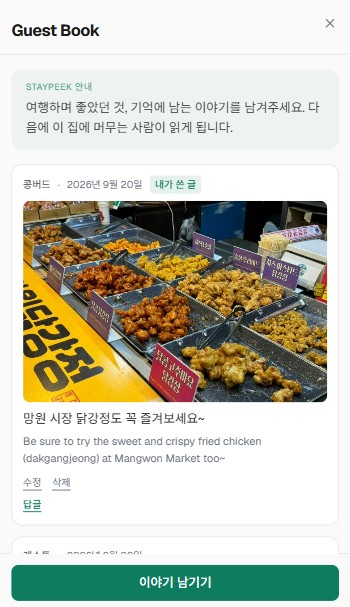
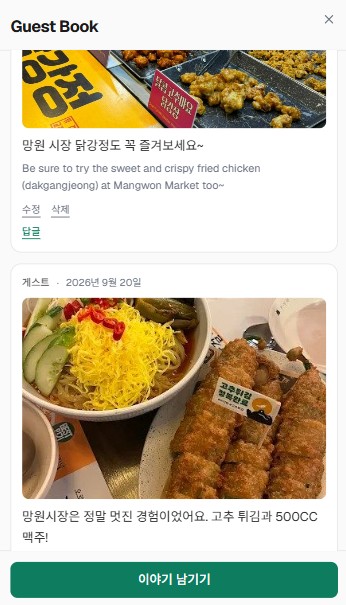
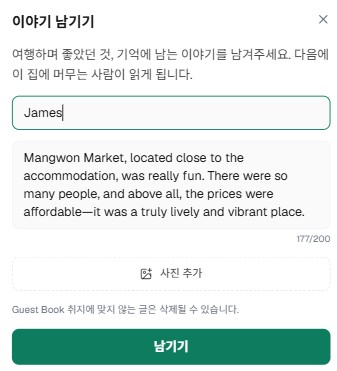
실제 숙소 페이지의 Guest Book 화면입니다.
한국어로 쓴 글에는 영어 번역이 함께 실려 다음 게스트가 외국인이어도 읽을 수 있고, 읽은 사람이 답글을 달 수도 있습니다. 첫 인사말은 저희가 써 두므로 호스트가 채울 것은 없습니다. 글은 검수 없이 바로 올라가고, 마음에 들지 않는 글은 대시보드에서 언제든 내릴 수 있습니다. 별점도 글 수도 없습니다. 리뷰가 아니니까요.
기존 리뷰와 무엇이 다른지접기
| 무엇에 답하는가 | |
|---|---|
| 에어비앤비 리뷰 | 숙소가 좋았는가 — 청결·소통·체크인·정확성 |
| 구글 리뷰 | 공개된 웹에서의 평판 — 별점과 총평 |
| Guest Book | 이 동네에서 무엇을 경험했는가 — 어디에 갔고, 무엇이 좋았는가 |
앞의 둘은 숙소를 평가합니다.
세 번째는 평가가 아니라 다음 사람에게 남기는 기록이라, 셋이 서로를 대체하지 않습니다.
에어비앤비 숙소에는 기본으로 들어 있고, 추가 비용은 없습니다.
게스트 여정의 세 접점에서 자동으로 작동합니다
설정은 한 번, 이후는 자동입니다 — 호스트가 매번 할 일은 없습니다.
언제 무엇이 일어나는지접기
| 예약 확정 직후 · 도착 3일 전 | 에어비앤비 예약 메시지로 가이드가 자동 발송됩니다. 게스트는 도착 전에 갈 곳을 저장하고 동선을 계획합니다 |
| 투숙 중 | 지도 + 영상 + 길찾기가 게스트의 언어로. 앱 설치·회원가입 없이 브라우저에서 바로 열립니다 |
| 체크아웃 후 · 상시 | 숙소 홈페이지가 검색에 남습니다. 인스타 바이오·명함 QR의 착지점이 되고, 예약 버튼은 당신의 에어비앤비 리스팅으로 연결됩니다 |
에어비앤비 정책 안에서 작동합니다
예약 버튼은 에어비앤비로만 연결됩니다. 플랫폼 밖에서 발견된 게스트가 플랫폼 안에서 예약합니다. 이건 약속이 아니라 구조입니다. 호스트가 정책을 어길 방법 자체가 없으니, 계정을 걱정하면서 쓰실 일도 없습니다.
네 가지 원칙 전체접기
| 링크는 예약 확정 후에만 | 에어비앤비가 링크를 규제하는 구간은 예약 전 문의 단계입니다 |
| 게스트 화면에 상업 요소 없음 | 가격·예약 버튼·타 채널 유도가 없습니다 |
| 예약 버튼은 에어비앤비로 | 플랫폼에 순유입을 만듭니다 |
| 리뷰 정책 준수 | 리뷰 대가 제공, 만족 게스트 선별 요청(게이팅)은 사용하지 않습니다 |
4장 요약 — 한 페이지가 게스트에게도, AI에게도 동시에 일합니다. 그럼 그게 실제로 무엇을 바꿀까요.
그래서 무엇이 달라지나
게스트 여정의 순서 그대로 짚어 보겠습니다.
예약 전 — 알릴 곳이 생깁니다
지금까지 숙소를 알릴 수 있는 곳은 사실상 에어비앤비 리스팅 하나였습니다. 인스타그램 바이오에 걸 링크가 없었고, 명함에 적을 주소가 없었고, AI가 물어봐도 보낼 곳이 없었습니다.
이제 보낼 곳이 생겼습니다.
그리고 그 페이지는 들어온 사람이 예약하고 싶어지게 만듭니다.
AI 답변에서도, 인스타그램에서도, X에서도, 명함의 QR에서도 — 어디서 눌러도 같은 페이지가 열립니다. 마음껏 알리셔도 됩니다. 플랫폼 밖에서 아무리 많이 알려도, 예약 버튼은 결국 당신의 에어비앤비 리스팅으로 갑니다.
오늘부터 — 반복 질문이 사라집니다
“근처에 맛집 있어요?” “공항에서 어떻게 가요?” “비 오는데 갈 만한 데 있을까요?” 지금은 매번 처음부터 답하고 계실 겁니다. 게스트마다, 언어마다. 가이드가 있으면 링크 하나로 끝납니다.
근거 · 조사 결과접기
1,300명 이상의 숙박 호스트·운영자를 조사한 자료에서, 디지털 안내를 갖춘 호스트들은 반복 질문이 눈에 띄게 줄었다고 보고했습니다. 그리고 1시간 안에 응답하는 호스트는 즉시 예약이 25% 더 많다는 분석도 있습니다.
출처 · 숙박 운영자 조사(1,300명 이상) · 응답 속도와 즉시 예약 상관 분석 — 원 출처 확인 중
예약과 체크인 사이 — 취소가 줄어듭니다
취소는 예약 순간에 일어나지 않습니다. 예약과 체크인 사이에 일어납니다. 그런데 도착 전에 갈 곳을 저장하고 동선을 그려 본 게스트에게 그 예약은 숫자가 아니라 이미 시작된 여행입니다.
왜 그런지접기
무료 취소 정책에서 OTA 취소율은 20~40%에 이릅니다. 취소되는 예약에는 공통점이 하나 있습니다 — 그때까지도 비교표 안의 숫자로 남아 있다는 것입니다. 그리고 숫자는, 더 싼 숫자가 나타나면 쉽게 바뀝니다.
가이드는 이 전환 비용을 두 번 만듭니다 — 예약 확정 직후, 그리고 도착 3일 전. 게스트가 이미 저장해 둔 장소와 그려 둔 동선이, 그때마다 다시 눈에 들어옵니다.
체크아웃 뒤 — 리뷰의 문장이 달라집니다
가이드가 없으면 리뷰는 여기서 멈춥니다. “깨끗했어요. 위치 좋아요.”
가이드가 있으면 이렇게 됩니다. “추천해 주신 칼국수집이 정말 좋았어요.”
앞의 문장은 어느 숙소에나 붙을 수 있습니다. 뒤의 문장은 이 집에 묵은 사람만 쓸 수 있습니다. 그리고 다음 게스트를 데려오는 것은 뒤의 문장입니다.
리뷰를 부탁하는 일도 자연스러워집니다접기
리뷰를 요청하는 게 늘 조금 어색하셨을 겁니다. 가이드가 있으면 부탁이 대화가 됩니다.
“여행은 어떠셨어요? 가이드에 있는 동네 장소는 가 보셨나요? 어디가 제일 좋으셨는지 리뷰에 남겨 주시면 다음 게스트에게 큰 도움이 됩니다.”
AI도 같은 문장을 읽습니다. 에어비앤비의 AI 리뷰 하이라이트가 ‘위치·동네’ 신호를 뽑아내는 방식이 정확히 이것입니다.
그리고 한 바퀴 돌 때마다 세집니다
동네를 좋아하게 된 게스트는 그 이야기를 남깁니다. 리뷰에, Guest Book에, 자기 인스타그램에. 그리고 그 이야기를 다음 사람이 읽고, AI가 읽고, 검색이 읽습니다.
그래서 또 다른 사람이 이 동네에 오고 싶어지고,
그 사람이 다시 한 줄을 더합니다.
한 번 채워지면 잘 비지 않습니다. 시간이 갈수록 쌓이고, 쌓일수록 다음 게스트가 옵니다. 먼저 시작한 쪽이 갈수록 유리해지는 이유가 여기 있습니다.
얼마인가?
월 구독료는 선불입니다.
신청 결제는 7일 이내·페이지를 열어 드리기 전이면 전액 환불됩니다.
아직 결정하기 이르다면, 무료 브리핑으로 먼저 지켜보세요 무료 호스트 브리핑 받아 보기 ↓
- 초기 큐레이션·제작 전부 대행 — 호스트가 쓰는 시간 0분
- 다국어 + 숙소 홈페이지 + 대시보드 포함
- 신청 결제를 마치시면 그 즉시 제작이 시작되고, 5영업일 안에 페이지가 열립니다
직접 하면 얼마인가?
무료로도 만들 수 있습니다. 무료 웹빌더에 사진과 소개 글을 올리면, 비용 없이 내 홈페이지가 생깁니다.
다만, 홈페이지를 위치·객실·체크인 같은 정보를 알려 주는 데서 멈추지 말고, 들어온 사람이 예약하고 싶어지게 만드는 것이 중요합니다. 동네를 조사하고, 영상과 사진을 고르고, 여러 언어로 옮기고, 철마다 새로 채워야 합니다.
시세와 숨은 비용 전체접기
| 경로 | 초기 제작비 | 월 유지비 |
|---|---|---|
| 직접 만들기 (무료 웹빌더) | 0원 + 본인 시간 수십 시간 | 0원 — 주소·화면에 빌더 이름이 붙음 |
| 직접 만들기 (유료 웹빌더) | 0원 + 본인 시간 수십 시간 | 1만 6천~2만 4천 원 |
| 프리랜서 제작 | 평균 69만 원 (8만~180만) | 3만~10만 원 |
| 도메인 | — | 연 2만~5만 원 |
| 검색 노출 관리(SEO) | 1회 작업 평균 15만 원 | 정기 관리형 30만 원~ |
위 금액은 ‘그릇’을 만드는 값입니다. 동네 소개·장소 설명·사진·추천 이유는 제작비에 없고, 번역은 언어를 추가할 때마다 반복되며, 유지보수 계약은 기술 관리비라 새 장소를 조사해 넣어 주지 않습니다.
장소 30곳을 4개 언어로 정리하면 그것만으로 설명 120개입니다. 만드는 일보다 살아있게 유지하는 일이 더 큽니다.
출처 · 아임웹·윅스 공식 요금 · 크몽 가격 안내(거래 기록 기준) · 도메인 등록기관 공시 요금 · 2026년 9월 확인
호스트가 해야 할 일
총 30분 남짓, 이후 월 5분.
콘텐츠 제작·갱신·번역·지도·기술 운영은 전부 StayPeek이 담당합니다.
| 시점 | 할 일 | 소요 |
|---|---|---|
| 시작일 | 가입 + 숙소 등록 + 셋업비 결제 → 즉시 제작 착수 | 10분 |
| 오픈일 | 에어비앤비 예약 달력(iCal) 주소를 대시보드에 붙여넣기 | 3분 |
| 오픈일 | 에어비앤비 예약 메시지 2개 등록 (제공 문안 복붙) | 10분 |
| 오픈일 | House Manual·체크인 가이드에 제공 문안 삽입 | 5분 |
| 오픈일 | 현장 QR 카드 비치 — QR 이미지는 제공, 인쇄는 직접 | 5분 + 인쇄 |
| 매월 | 대시보드 확인 (열람·시청·길찾기·Guest Book) | 5분 |
자주 묻는 질문
서비스
홈페이지인가요, 로컬 가이드인가요?
둘 다이고, 한 페이지입니다. 게스트가 여행 중에 여는 로컬 가이드이면서, AI와 검색엔진이 읽는 숙소 홈페이지이고, 그 위에 게스트의 여행 기록이 쌓입니다.
따로 만들면 세 가지를 세 번 관리해야 하지만, StayPeek에서는 staypeek.com/숙소이름 주소 하나에 모두 담깁니다.
왜 홈페이지가 로컬 가이드 역할까지 하나요?
소개·객실·오시는 길만 있는 홈페이지는 게스트에게는 리스팅에서 이미 본 내용이고, AI에게는 다른 수천 개 페이지와 구별되지 않습니다.
이 숙소에만 있는 사실 — 걸어서 몇 분 거리의 시장, 아침에만 문을 여는 골목 빵집 — 을 담아야 게스트가 여행 내내 열어 보고, AI도 이 숙소를 설명할 거리가 생깁니다. 사람이 계속 쓰는 페이지여야 최신으로 유지되고, 최신이어야 AI도 믿고 읽습니다.
숙소 주변 장소는 몇 곳이나 소개되나요?
처음 열 때 숙소 주변 30곳을 저희가 골라 담아 드립니다.
게스트에게 꼭 권하고 싶은 곳이 있으면 20곳까지 더 담아 드립니다. 게스트는 휴대폰으로 지도와 목록을 함께 보기 때문에, 모두 합쳐 50곳 안에서 담습니다.
문을 닫는 가게가 생기면요?
상시 점검합니다. 문을 닫은 가게나 더 이상 재생되지 않는 영상은 확인되는 대로 정리하고, 빈자리는 후보에서 채웁니다.
호스트님이 따로 챙기실 일은 없습니다.
넣고 싶은 곳이 있으면 어떻게 하나요?
대시보드의 「장소 요청」에서 가게 이름이나 주소로 찾아 알려 주세요.
영상이 있는 곳이면 저희가 확인해 담아 드립니다. 없으면 다음 달에 찾아보고, 못 찾으면 3개월 뒤에 한 번 더 찾습니다. 담았든 못 담았든 결과를 알려 드립니다. 알맞은 영상을 찾지 못하면 담지 못할 수 있습니다.
미국 회사라는데, 우리 동네를 제대로 알 수 있나요?
동네를 고르는 작업은 한국에서 합니다. 한국어로 찾고, 실제로 걸어서 닿는 거리인지 확인합니다.
지금 서비스 중인 숙소가 전부 한국에 있습니다. 무엇이 담겼는지는 위 숙소 카드를 눌러 직접 보시는 편이 빠릅니다.
문제가 생기면 어디로 연락하나요?
support@staypeek.com 으로 한국어로 보내 주시면 됩니다. 대시보드에서도 바로 남기실 수 있습니다.
게스트 안내
게스트에게는 어떻게 안내하나요?
세 곳에 두시면 됩니다. 넣을 문안은 저희가 드립니다.
① 에어비앤비 예약 메시지 — 예약 확정 직후와 도착 직전에 자동으로 나가도록 두 개를 등록합니다. ② 숙소 이용 안내(House Manual)와 체크인 가이드 — 링크를 넣어 둡니다. ③ 현장 QR 카드 — QR 이미지를 드리면 인쇄해서 객실에 두시면 됩니다.
숙소 홈페이지 주소는 인스타그램 프로필이나 명함에 걸어 두셔도 좋습니다.
게스트가 앱을 깔거나 가입해야 하나요?
아닙니다. 링크나 QR 하나로 브라우저에서 바로 열립니다. 게스트가 쓰는 언어로 열리고, 15개 언어를 지원합니다.
Guest Book에 남긴 글이 마음에 들지 않으면요?
대시보드에서 바로 내릴 수 있습니다. 사유는 묻지 않고, 내리면 숙소 페이지에서 즉시 사라집니다.
링크·이메일·전화번호가 든 글은 처음부터 올라가지 않습니다. 그 밖의 글은 검수 없이 바로 공개되므로, 가끔 들어와 훑어보시면 됩니다.
예약과 에어비앤비
에어비앤비 말고 다른 예약 링크를 달 수 있나요?
아니요. 예약 버튼은 호스트님의 에어비앤비 리스팅으로만 연결됩니다. 다른 예약 페이지는 연결할 수 없게 만들어 두었습니다.
에어비앤비가 예약 전 단계의 외부 링크를 제한하고 있고, 게스트 화면에 상업 요소를 두지 않는다는 원칙과도 같은 이유입니다. 에어비앤비 리스팅이 없는 숙소는 예약 버튼 없이 동네 가이드로만 쓰실 수 있습니다.
에어비앤비 규정에 걸리지는 않나요?
StayPeek은 결제나 예약을 받지 않습니다. 숙소 홈페이지의 예약 버튼은 언제나 호스트님의 에어비앤비 리스팅에 연결됩니다.
저희가 드리는 것은 동네 안내입니다. 에어비앤비가 호스트 가이드북 기능으로 오래 권해 온 바로 그 일입니다.
요금과 해지
요금은 언제부터 나가나요?
신청하실 때 월납은 셋업비를, 연납은 첫해 이용료를 결제하시고, 결제하시는 즉시 제작이 시작됩니다.
월납 구독료는 선불입니다. 숙소 페이지를 여는 날 첫 달 치가 결제되고, 이후 매달 같은 날짜에 청구됩니다. 연납은 페이지를 여는 날부터 1년이 시작되고, 1년 뒤 같은 날짜에 갱신됩니다 — 갱신 7일 전에 미리 알려 드립니다. 만드는 동안에는 구독료가 없습니다.
신청 결제는 결제일로부터 7일 이내이고 페이지를 열어 드리기 전이면 대시보드에서 전액 환불받으실 수 있습니다. 페이지를 연 뒤에는 환불되지 않습니다.
해지는 어떻게 하나요?
약정도 위약금도 없습니다. 언제든 해지하실 수 있고, 해지는 이용 중인 기간이 끝나는 날 적용됩니다.